EasyManua.ls Logo

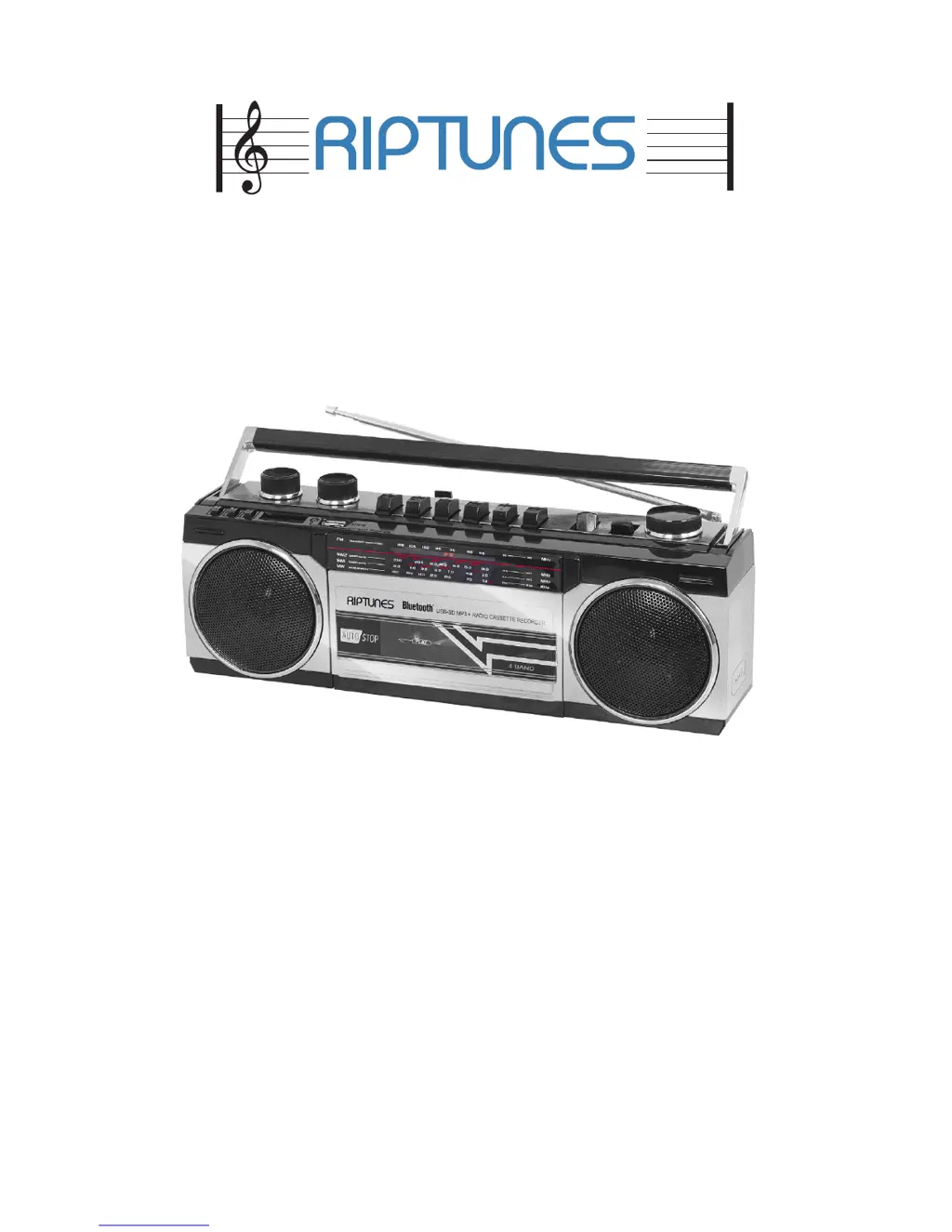
RIP TUNES RACR-400 - User Manual

RIP TUNES RACR-400
42 pages
Print Icon
To Next Page IconTo Next Page
Loading...
RADIO/CASSETTE BOOMBOX
USER’S GUIDE • MANUAL DE USUARIO
MODE D’EMPLOI
Model Number:
RACR-400
v. 4.0

Questions and Answers

  • Q
    qgillAug 3, 2025
    What to do if the sound is distorted at high volume on RIP TUNES Portable Stereo System?
    • B
      Brittany ThorntonAug 4, 2025
      If the sound from your RIP TUNES Portable Stereo System is distorted when the volume is high, simply turn the volume down to a comfortable level.
  • J
    Jesus BushAug 11, 2025
    Why is there no sound from AM or FM on my RIP TUNES Portable Stereo System?
    • K
      Kimberly GonzalezAug 11, 2025
      If your RIP TUNES Portable Stereo System isn't producing any sound from AM or FM radio, make sure the Mode Switch is set to the RADIO position. Also, check that the volume is turned up and that the 3.5mm cable is unplugged.
  • R
    Randy Smith IIIAug 18, 2025
    How to fix noise or distorted sound on RIP TUNES Portable Stereo System AM/FM?
    • J
      johnmontoyaAug 19, 2025
      If you're experiencing noise or distorted sound on AM/FM or Shortwave broadcasts with your RIP TUNES Portable Stereo System, try these steps: * Retune to the AM or FM station. * Reposition the boombox or antenna to improve reception.
  • J
    jessica84Aug 27, 2025
    What to do if the tape will not play on RIP TUNES Portable Stereo System?
    • C
      Cody RodriguezAug 27, 2025
      If the tape isn't playing on your RIP TUNES Portable Stereo System, ensure that the Mode Switch is in the Tape position and that the 3.5mm cable is unplugged.

Summary

Important Safety Instructions

FCC Warnings

Boombox Controls

Operating Instructions

Powering the Unit

Instructions for installing batteries and connecting the AC power cord.

Playing Radio

Steps to tune AM/FM/SW stations, adjust volume, and position antenna.

Bluetooth Device Pairing

Steps to enable Bluetooth, pair a device, and play audio wirelessly.

Recording Functions

Technical Specifications

Troubleshooting

Technical Support

RIP TUNES RACR-400 Specifications

General IconGeneral
BrandRIP TUNES
ModelRACR-400
CategoryPortable Stereo System
Power SourceBattery
ConnectivityAuxiliary Input
Battery LifeUp to 8 hours

Related product manuals