Coasting
To coast, simply release the Thumb Throttle. This will cut
power to the motors though you still will feel added
friction from the drive train.
Reverse
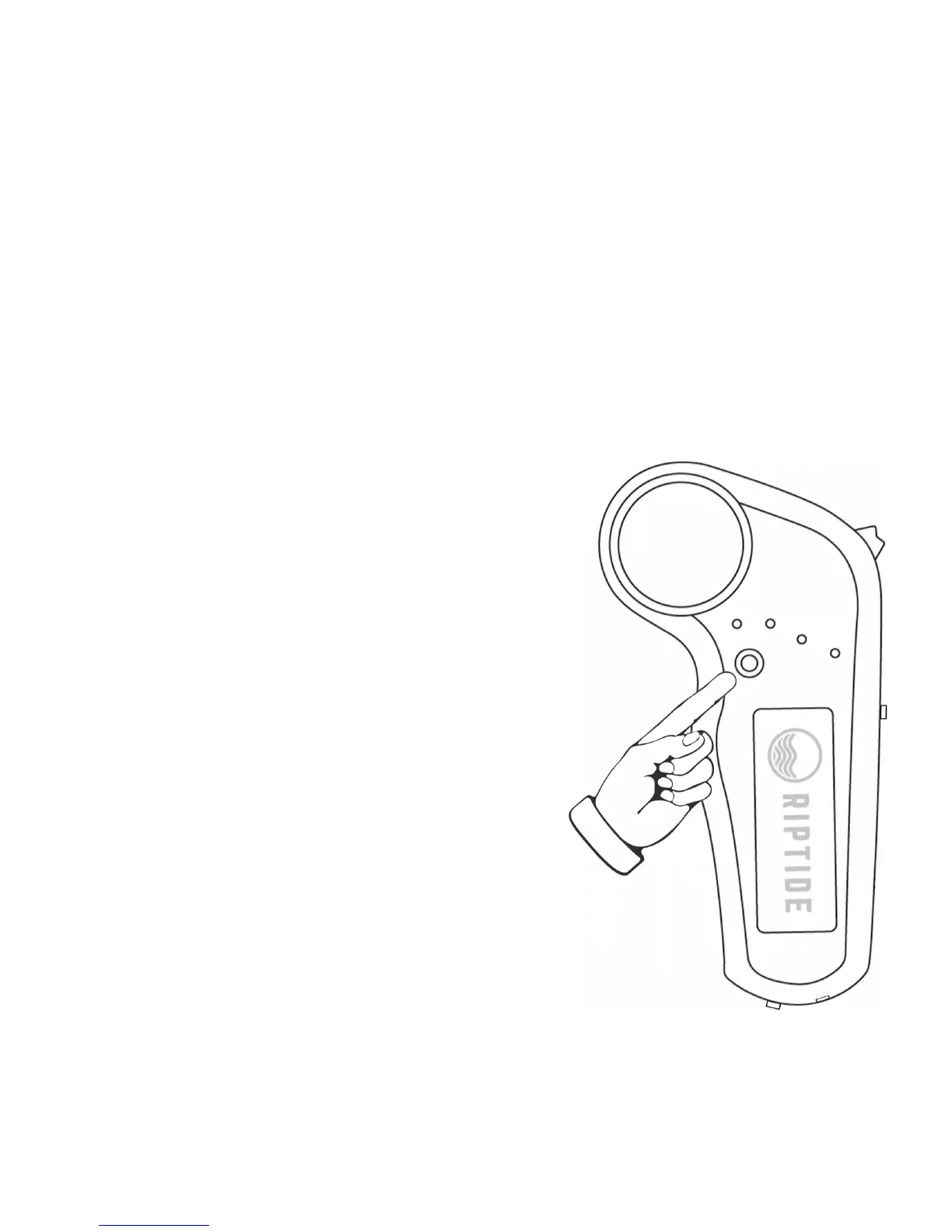
To switch the board into Reverse,
press the Reverse Button located
on the side of the Remote below
the row of LEDs. Now, roll the
Thumb Throttle up to go in
reverse and down to brake
(slowing down your reverse
speed). The board must be
stationary to change between
forward and reverse. If you press
the Reverse Button while moving,
the board will be unresponsive to
Remote input until either the
board comes to a stop or the
Reverse Button is pressed again
to re-engage power in the
forward direction.


 To Next Page
 Loading...