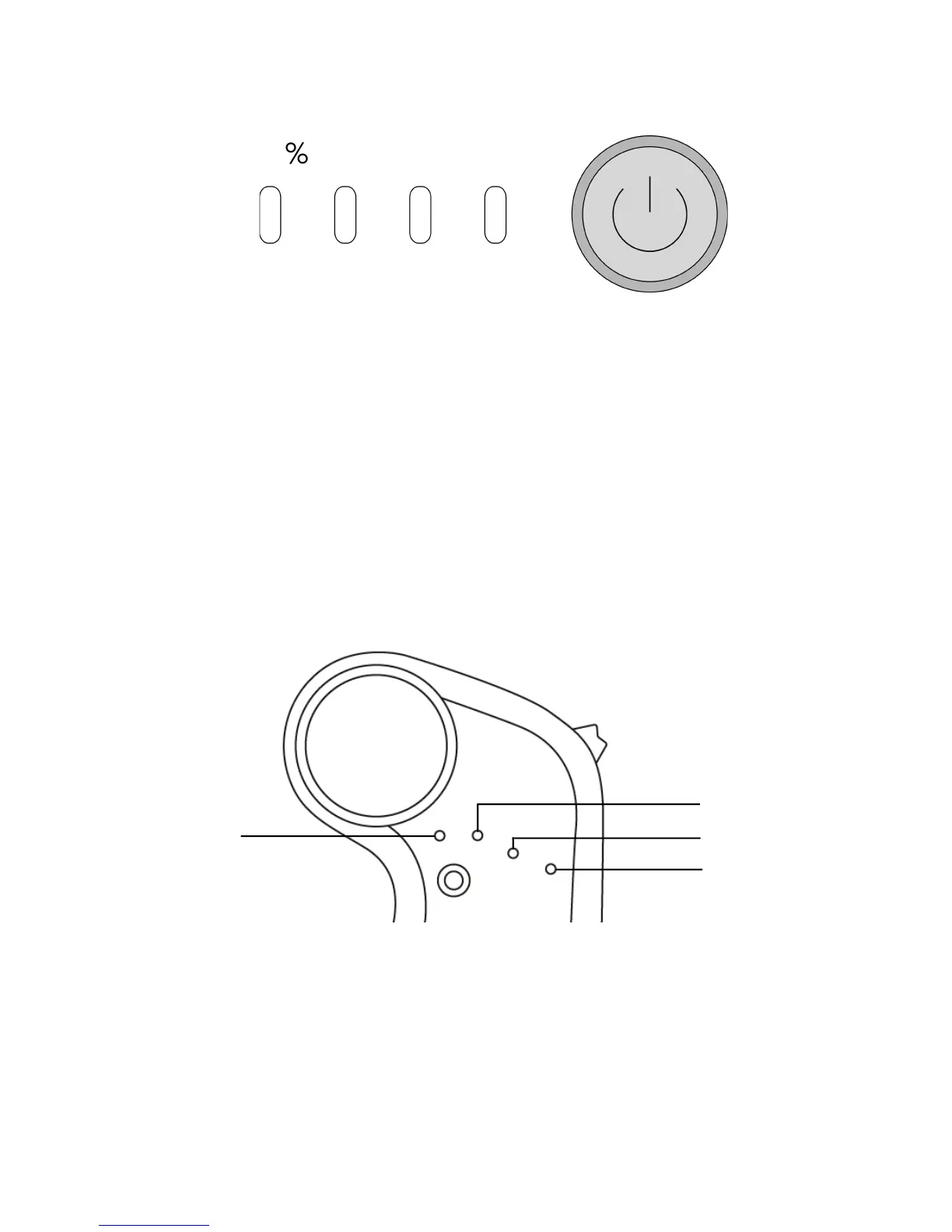
9) Check the Board Battery Level on the Board
When fully charged, all four LEDs on the Board Battery
Meter will illuminate. As the battery capacity diminishes,
fewer LEDs will remain lit. When battery level is critically
low, the board will make an audible beeping and
eventually cut power to the motors. Braking will remain
enabled.
10) Check Battery Levels on the Remote
When looking at the Remote’s LEDs, the single LED to the
left shows the Remote’s battery level. The three LEDs to
the right show the Board’s battery level.



 To Next Page