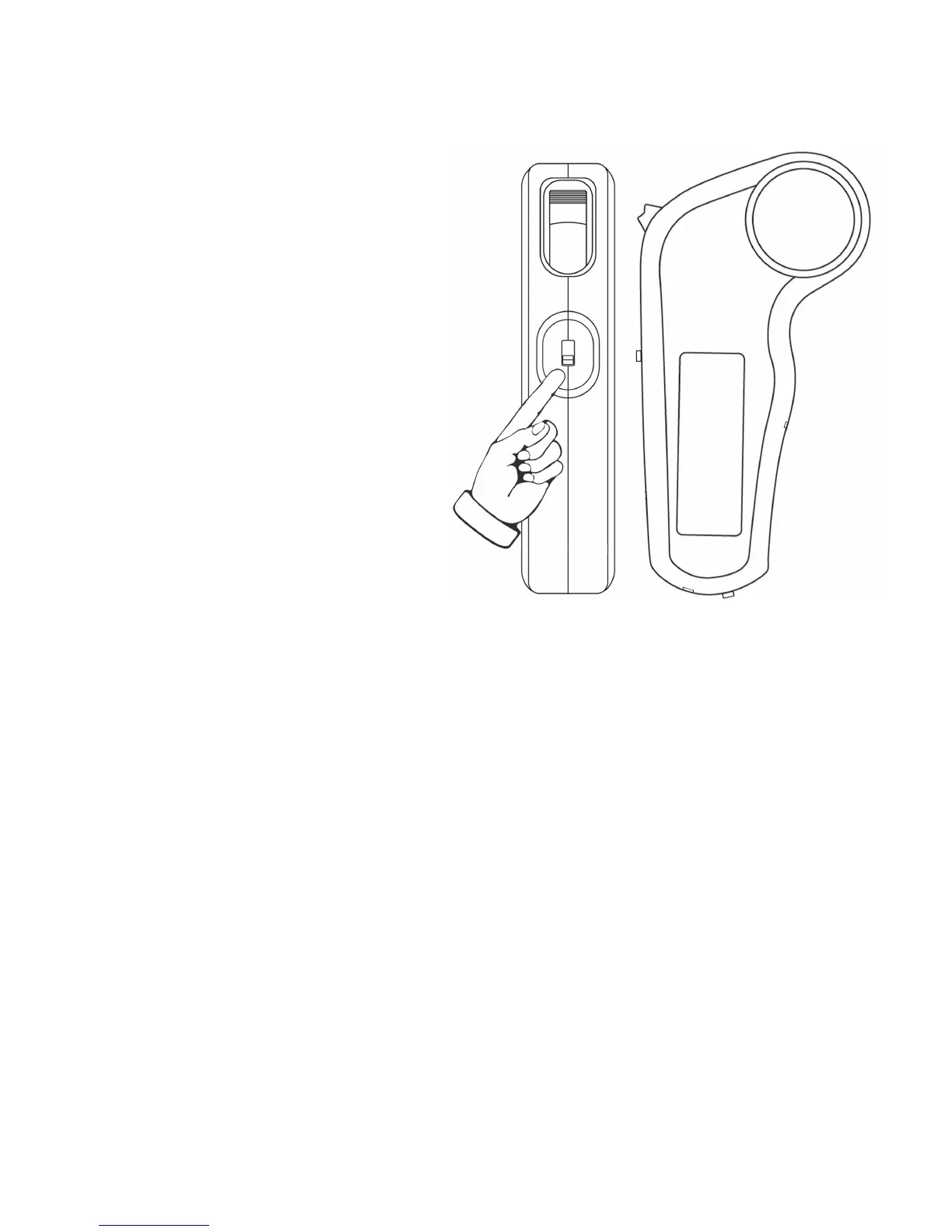
11) Change the Riding Mode
Beginner
Toggle Switch at top
Top Speed: Min
Acceleration: Slow
Eco
Toggle Switch in middle
Top Speed: Max
Acceleration: Slow
Pro
Toggle Switch at bottom
Top Speed: Max
Acceleration: Fast
You can change the riding mode at any time, even when
moving. In close quarters or crowds of people, “Pro”
mode may be too sensitive. Try shifting to a lower Riding
Mode for more refined control at low speed.
Note: To go in Reverse, see Section 8.



 To Next Page