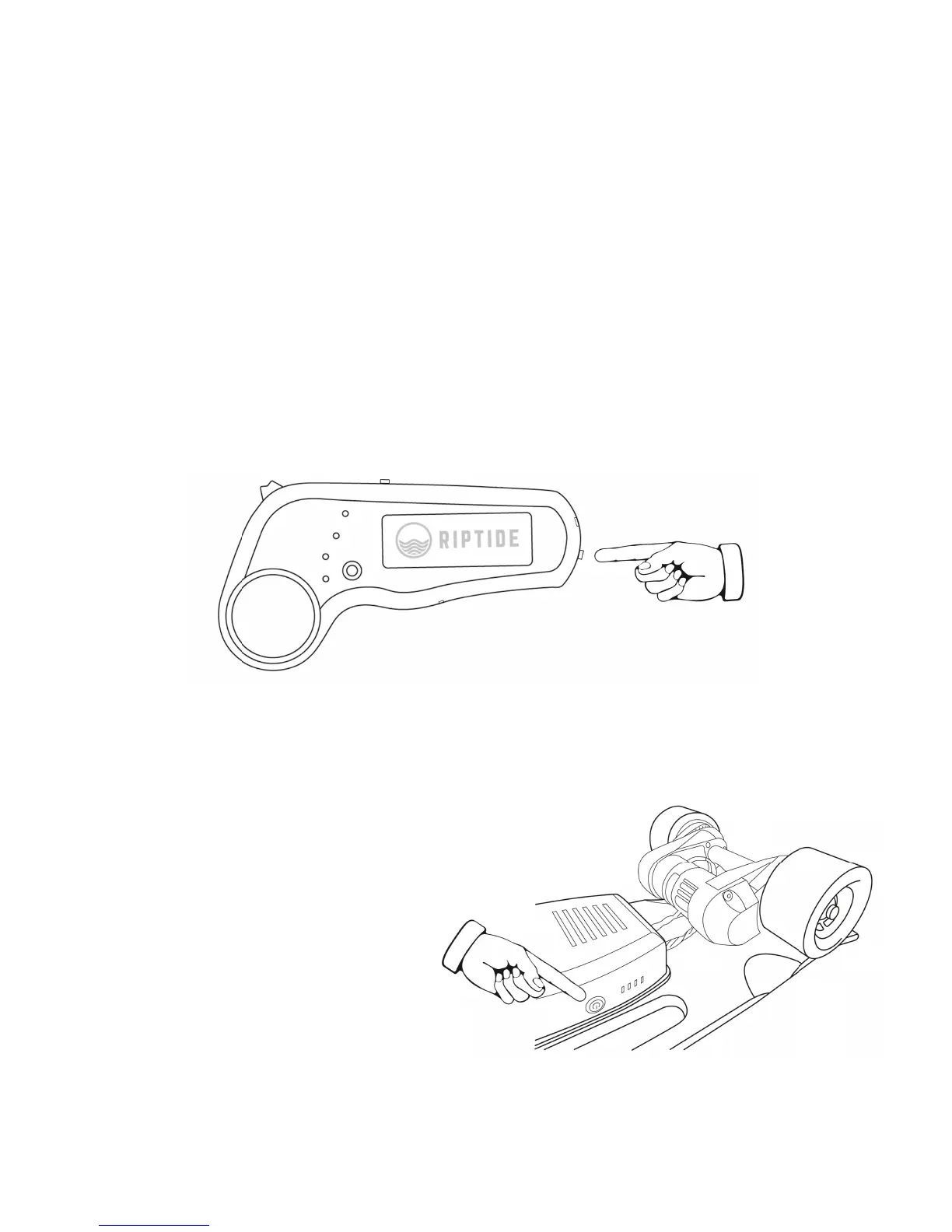
5) Power the Remote On/Off
Press the Remote Power Button, found on the underside
of the Remote. The Signal Indicator LED on the side of
the remote will illuminate once it is turned on. When
connected to the board, the Signal Indicator LED will
blink and the Battery Level Indicator LEDs will illuminate
to display the board's battery level.
6) Power the Board On/Off
Underneath the handle,
press and release the
Board Power Button. It
will illuminate once the
board is on. When
connected to the
remote it will blink.



 To Next Page