7) Pairing the Remote
When you turn on the Remote and Board for the first time
they should pair automatically. When paired, the Signal
Indicator on the Remote will blink green and the Battery
Level Indicator LEDs will illuminate to display the board's
battery level. Engaging the Thumb Throttle will spin the
motors. If the Remote and Board do not properly pair:
Step 1: Turn on the Board and Remote.
Step 2: Press and hold the Board Power Button for five
seconds until it begins blinking.
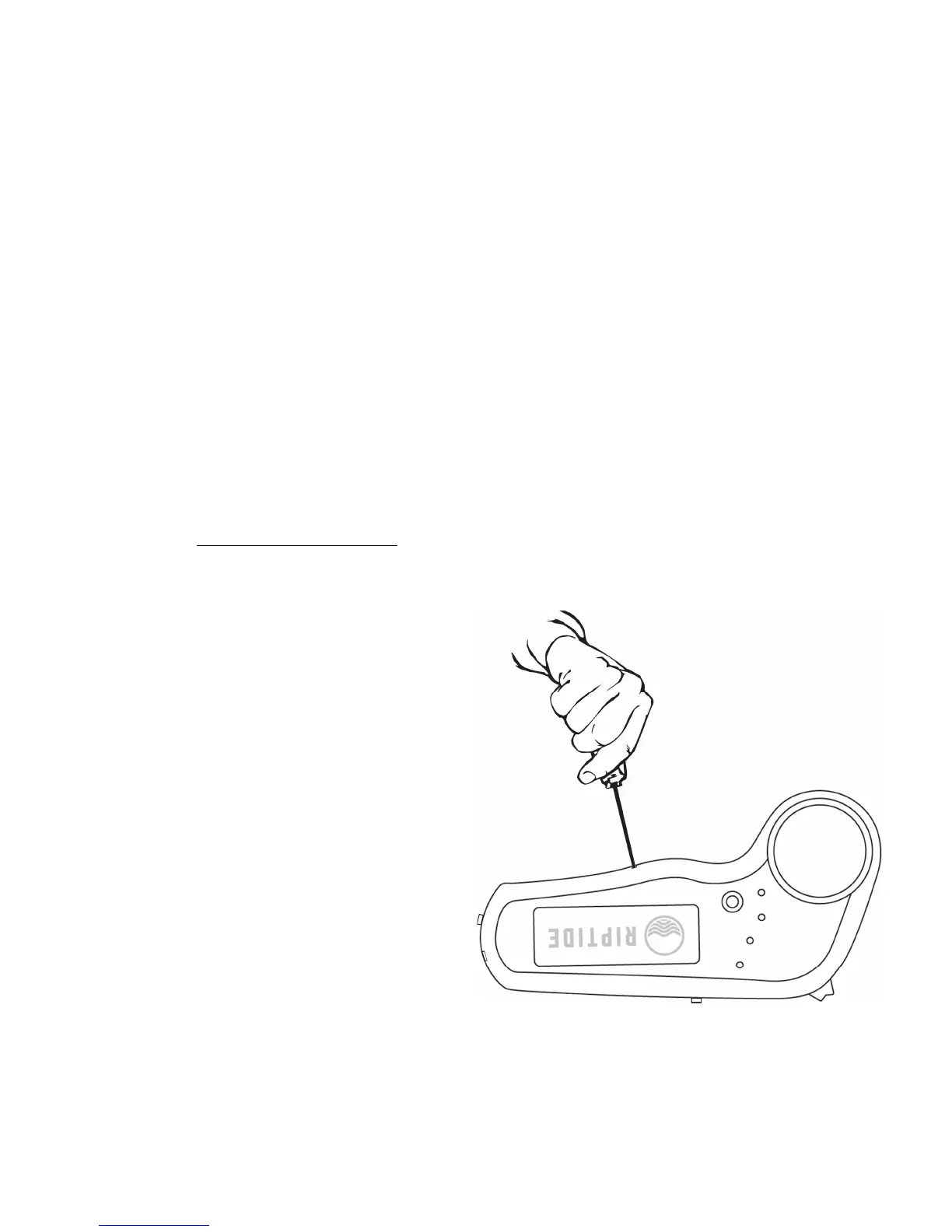
Step 3: As seen to the
right, press the Remote
Pairing Button using a thin
object such as a pen or
paperclip.
The Board Power Button
and Signal Indicator will
begin flashing when they
are paired.



 To Next Page