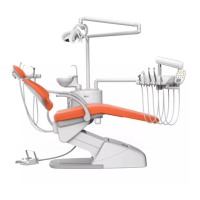
45
Программирование положений кресла:
Программирование автоматических
положений кресла выполняется с панели
врача.
Выполните следующие действия:
Programming the chair positions:
The programming of the automatic chair positions can
be done by using the dentist keyboard.
Please proceed as follows:
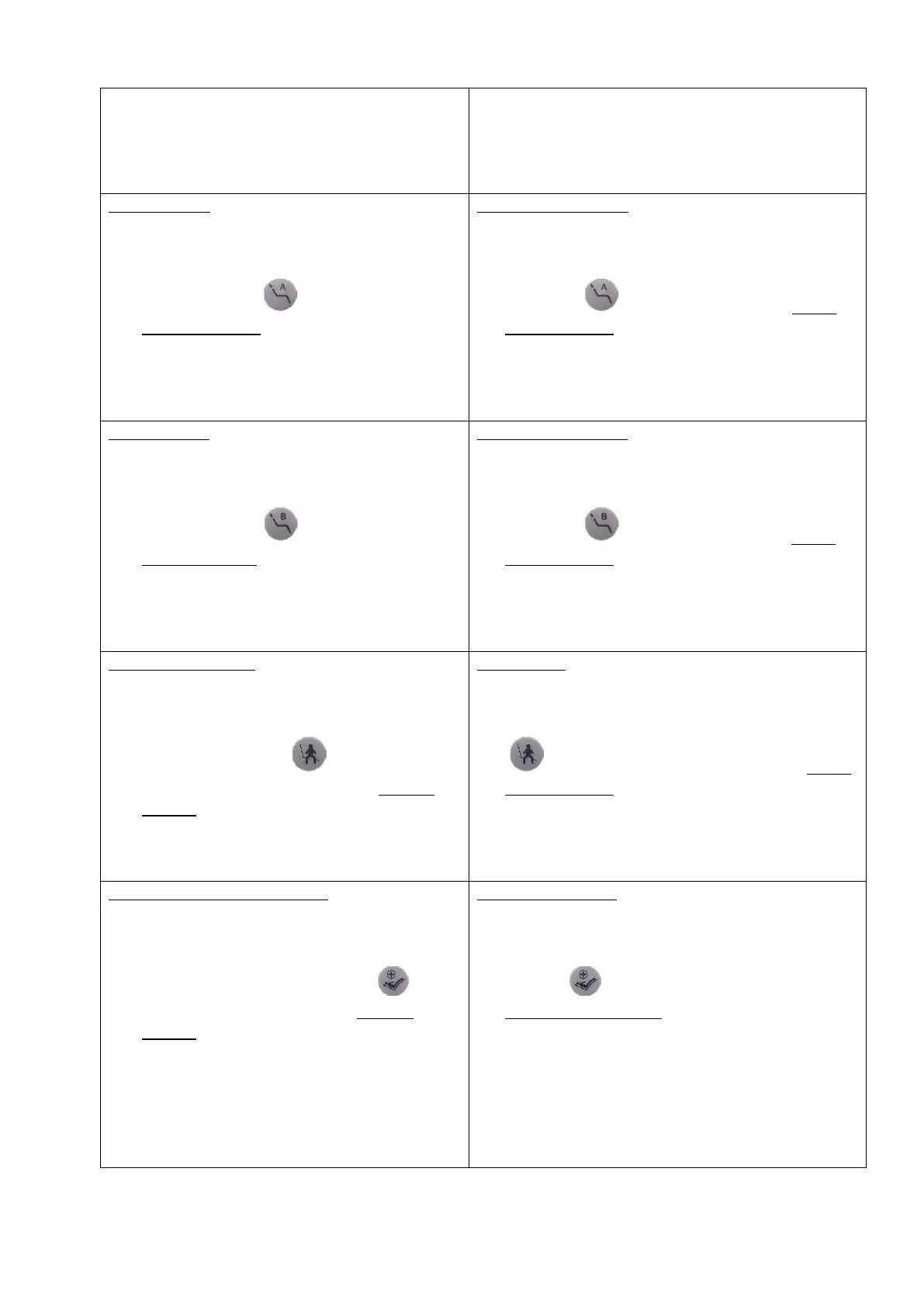
Положение А
Вручную приведите кресло в требуемое
положение
Нажмите и удерживайте кнопку
«Положение А» на панели врача
более 5 секунд, пока не услышите
звуковой сигнал
(Звуковой сигнал означает, что
программирование положения кресла успешно
выполнено)
Treatment position A
move the patient chair manually into the desired
position
actuate and keep actuated key „Treatment
position A“ on the dentist keyboard longer
than 5 seconds till you can hear a single beep
(This beep indicates, that the programming of the
position was successful.)
Положение В
Вручную приведите кресло в требуемое
положение
Нажмите и удерживайте кнопку
«Положение В» на панели врача
более 5 секунд, пока не услышите
звуковой сигнал
(Звуковой сигнал означает, что
программирование положения кресла успешно
выполнено)
Treatment position B
move the patient chair manually into the desired
position
actuate and keep actuated key „Treatment
position B“ on the dentist keyboard longer
than 5 seconds till you can hear a single beep
(This beep indicates, that the programming of the
position was successful.)
Положение выхода
Вручную приведите кресло в требуемое
положение
Нажмите и удерживайте кнопку
Положение выхода
на панели врача или ассистента более 5
секунд, пока не услышите звуковой сигнал
(Звуковой сигнал означает, что
программирование положения кресла успешно
выполнено)
Exit position
move the patient chair manually into the desired
position
actuate and keep actuated key „Exit position“
on the dentist or assistant keyboard longer
than 5 seconds till you can hear a single beep
(This beep indicates, that the programming of the
position was successful.)
Реанимационное положение
Вручную приведите кресло в требуемое
положение
Нажмите и удерживайте кнопку
«Реанимационное положение» на
панели врача или ассистента более 5
секунд, пока не услышите звуковой сигнал
(Звуковой сигнал означает, что
программирование положения кресла успешно
выполнено)
Emergency position
move the patient chair manually into the desired
position
actuate and keep actuated key „Emergency
position“ on the dentist or assistant keyboard
longer than 5 seconds till you can hear a single
beep
(This beep indicates, that the programming of the
position was successful.)


 To Next Page
 Loading...