46
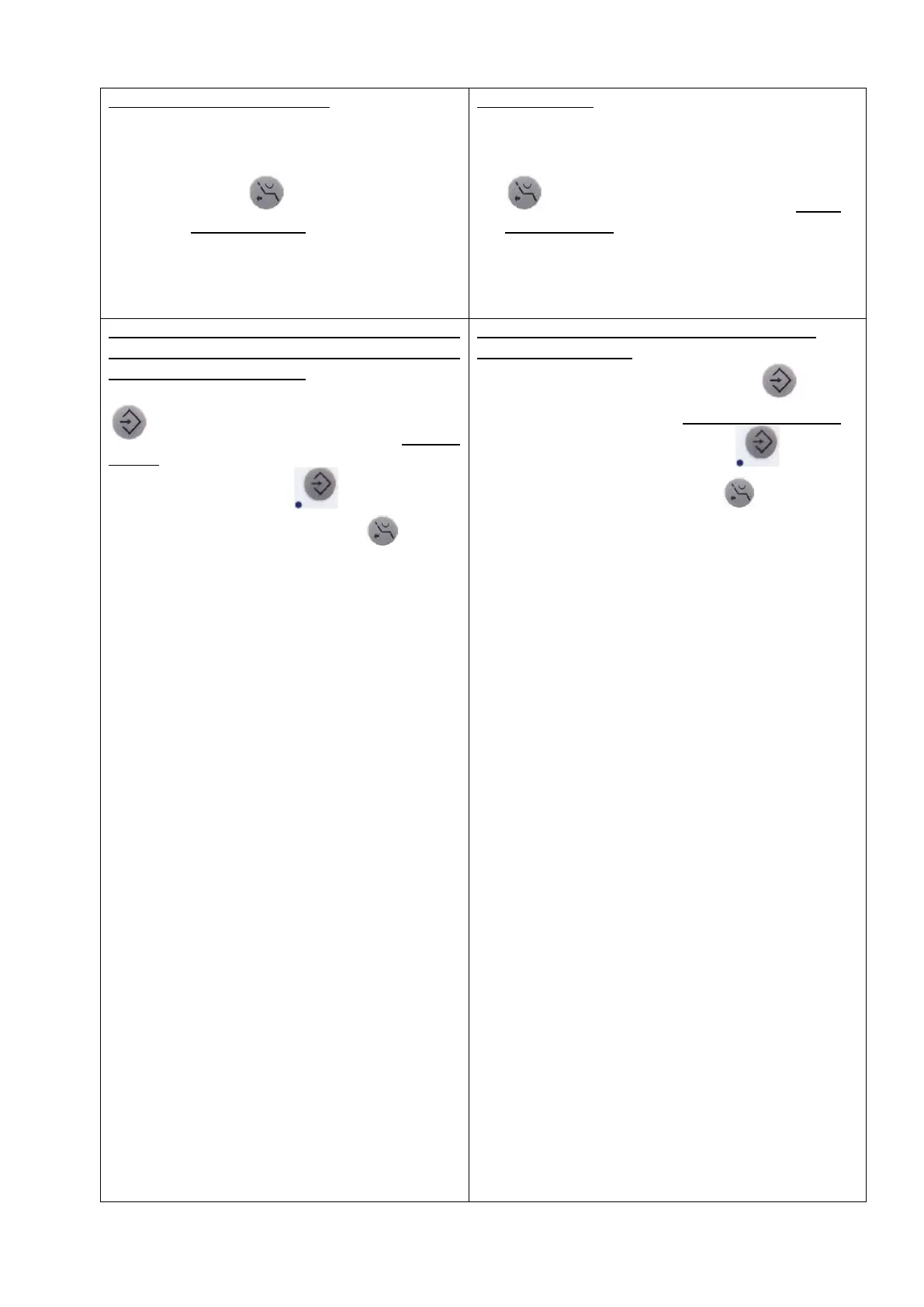
Положение для сплевывания
Вручную приведите кресло в требуемое
положение
Нажмите и удерживайте кнопку «Положение
для сплевывания» на панели врача или
ассистента более 5 секунд, пока не услышите
звуковой сигнал
(Звуковой сигнал означает, что
программирование положения кресла успешно
выполнено)
Spitting position
move the patient chair manually into the desired
position
actuate and keep actuated key „Spitting position“
on the dentist or assistant keyboard longer
than 5 seconds till you can hear a single beep
(This beep indicates, that the programming of the
position was successful.)
Установка взаимодействия между
программами «Положение для сплевывания»
и «Омыв плевательницы»
Нажмите и удерживайте кнопку «Установка»
на панели врача или ассистента более 5
секунд до тех пор, пока индикатор между
кнопками не засветится , затем нажмите
на кнопку «Омыв плевательницы»
→прозвучит звуковой сигнал и индикатор
перестанет гореть
→омыв плевательницы во время активации
положения для сплевывания
запрограммирован
Setting of linkage between spitting position and
spittoon bowl rinsing:
actuate and keep actuated key „SET“ on the
dentist or assistant keyboard longer than 5 seconds till
the indicator light beside the the key is on
actuate key „spittoon bowl rinsing“
→ a signal sounds and the indicator ligh goes out
→ spittoon bowl rinsing at spitting position is
activated


 To Next Page
 Loading...