With the left pedal installed you can
now stand the bike up using the
pedal as a bike stand. This makes
the job a lot easier. Now install the
right hand pedal (marked ‘R’), this
time the pedal is turned clockwise
to tighten. Again be careful not to
cross thread the pedal and make
sure the pedal is done up nice and
tight.
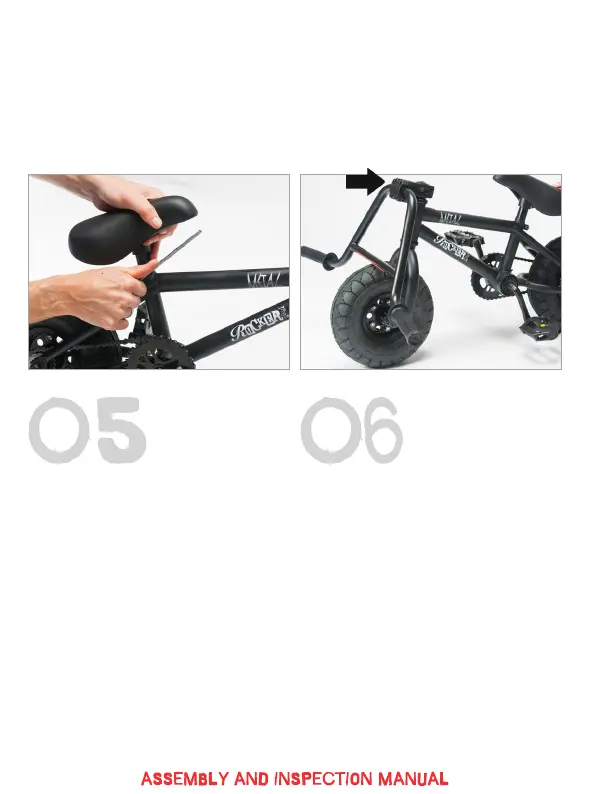
You can now pop the seat in, set to
your desired height & tighten with a
5mm Allen key.
Now, carefully remove the stem
faceplate bolts (X4) with a 6mm
Allen key (their location is indicated
in the above image). If the bolts are
stiff to undo, try using a longer allen
key for more leverage. Ensuring
the correct orientation, hang the
handlebars in the stem bar recess
and carefully replace the stem face-
plate. Be very careful to ensure the
faceplate is tightened evenly and
there is an even gap at the top and
bottom of the faceplate.


 To Next Page
 Loading...