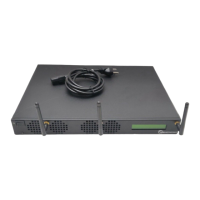
Need help?
Do you have a question about the RMG NETWORKS IVS SDA-909 and is the answer not in the manual?
Details compliance with FCC rules for Class A digital devices.
Details compliance with Canadian Interference Causing Equipment Regulations.
Instructions for attaching the mounting plate to the unit.
Guide for installing the unit on a wall.
Instructions for mounting the unit to a VESA-compliant display.
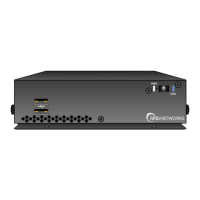
Visual overview of the unit's connections and ports.
Detailed procedure for connecting the unit to power, network, and display.
Technical specifications detailing the unit's physical size and weight.
Contact methods for technical assistance from RMG Networks.
Information on using the RMG Networks support website for help.
 General
| Brand | RMG NETWORKS |
|---|---|
| Model | IVS SDA-909 |
| Category | Media Player |
| Language | English |

 To Next Page