(ie; video recording, photo capture, and power on/off). This is important as it will
demonstrate when the camera has been in operation. If data is missing this file can be
checked to ensure that the data files match the time and operation of use.
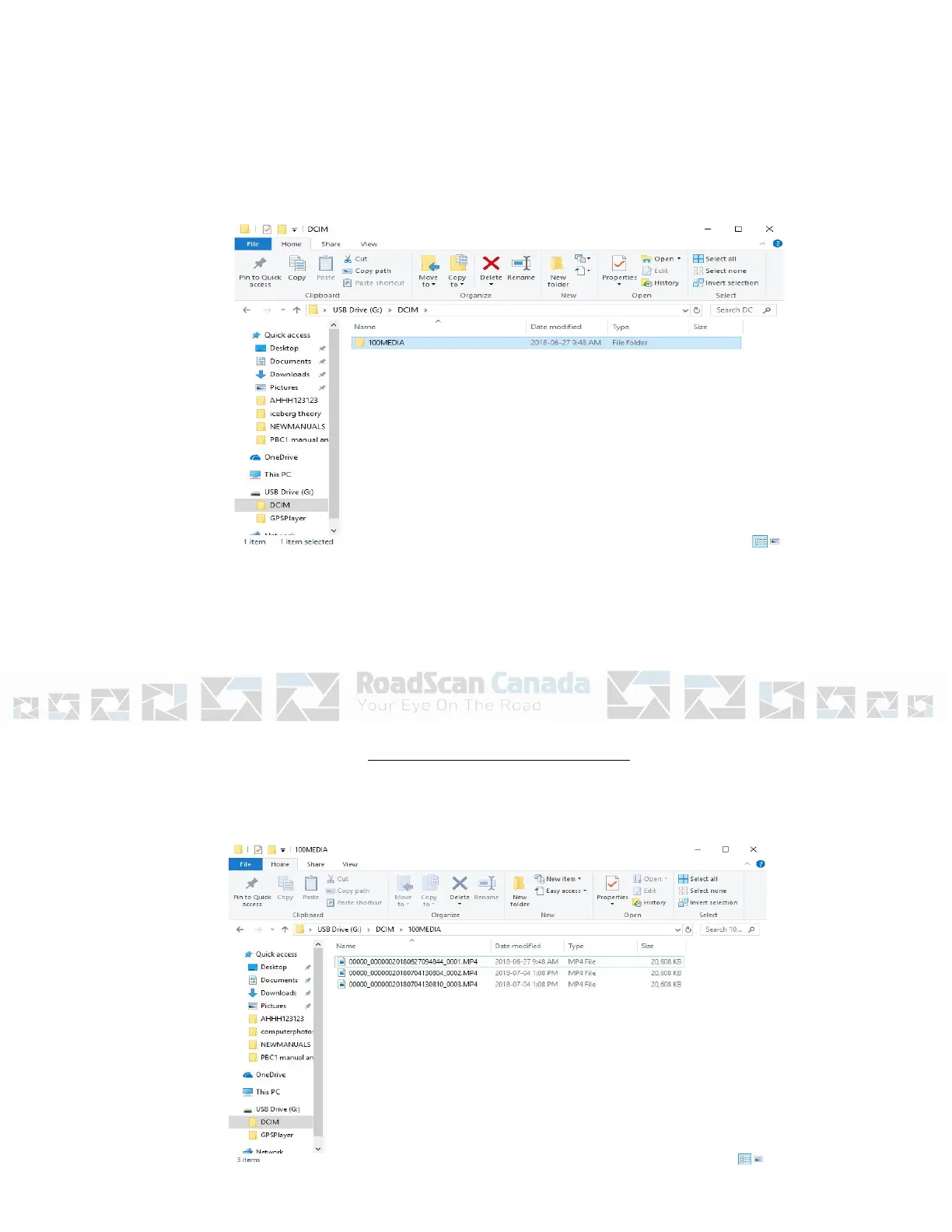
7. Open DCIM, then open 100MEDIA
Figure 8
Page 9
Opening Files On the Computer
8. Choose the file to view (MP4, JPEG, WAV)



 To Next Page