Figure 14
Wifi App Settings
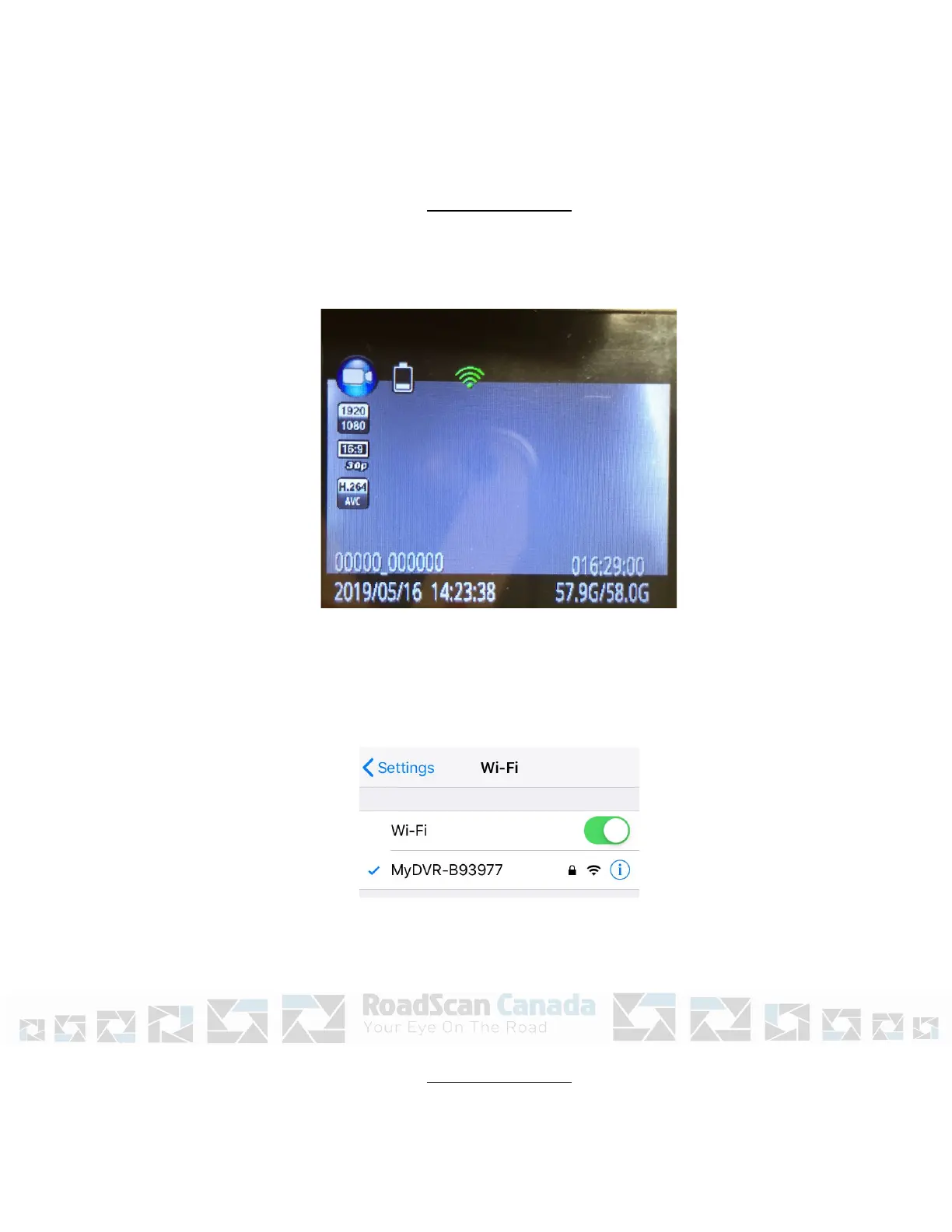
1. Ensure to turn ‘Wifi on’ in the settings menu.
2. A green Wifi indicator will be visible on the top of the rear screen.
Figure 15
3. Go to the Wifi Settings on the phone and locate MyDVR-XXXXXX.
Figure 16
Page 14
Wifi App Settings
4. Enter the initial password - 1234567890
5. After Wifi gets connected successfully, open the LinkinEyes App.



 To Next Page