7. AUX: Line in socket, connection socket for FM antenna
8. USB socket
9. TF card slot (MICRO SD)
10. Earphone socket, connection socket for external adapter charge
Note: all music files and recorded files are stored in Micro SD card, if not Micro SD card
inserted, it can not process music play and voice record. Before using, please put the
battery into the player & insert Micro SD card!
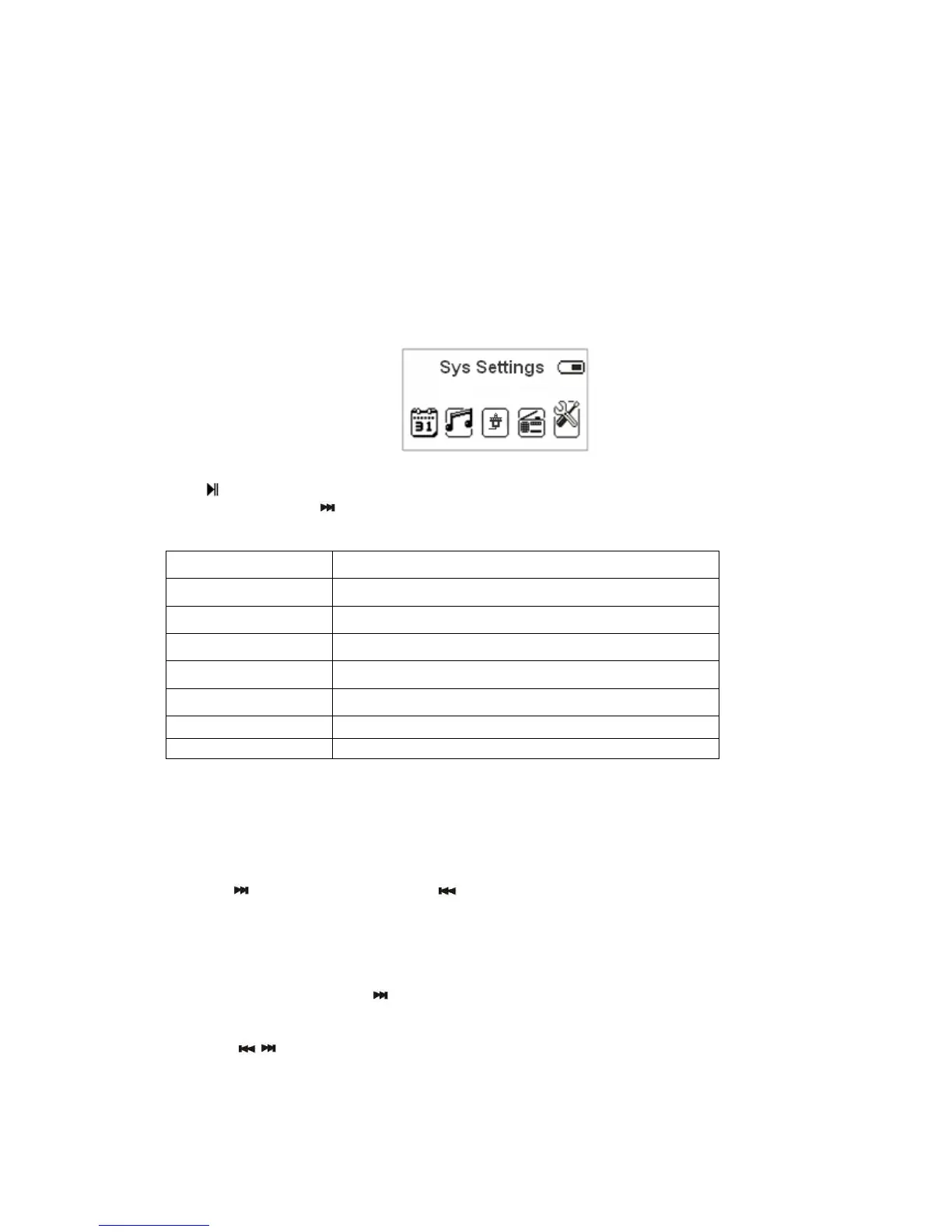
●System Setting
To enter in System Setting menu, switch ON the unit by keeping pressed for 5 seconds
the “
” button, then keep pressed for 5 seconds the MENU button until the clock is
displayed. Press the
button 4 times, then press MENU button again to enter in the
System Setting Menu.
System time setting
1. System setting interface
2. Press M key to enter into “System Time”
3. Short press M key to set switch the positions.
4. Press
to increase the data, press to decrease
5. Press M key to exit after finish the setup.
Backlight time setting
1. Set as 0, keep backlight always on.
2. Set among 0-30, press
will forward 3 seconds. After setting, press M to confirm.
Language Setting
Press
/ key to select the language you want to set.
(System time)
Set the date and the time when the record file saved.
(backlight time)
Set the backlight time
( Language)
Choosing different languages
(Tool)
Power off set, alarm, time FM set functions
(Contrast)
Set display’s contrast
(Firmware Version)
Version of player’s firmware
Key tone
Adjust the key tone level
(Exit)
Exit this interface


 To Next Page
 Loading...