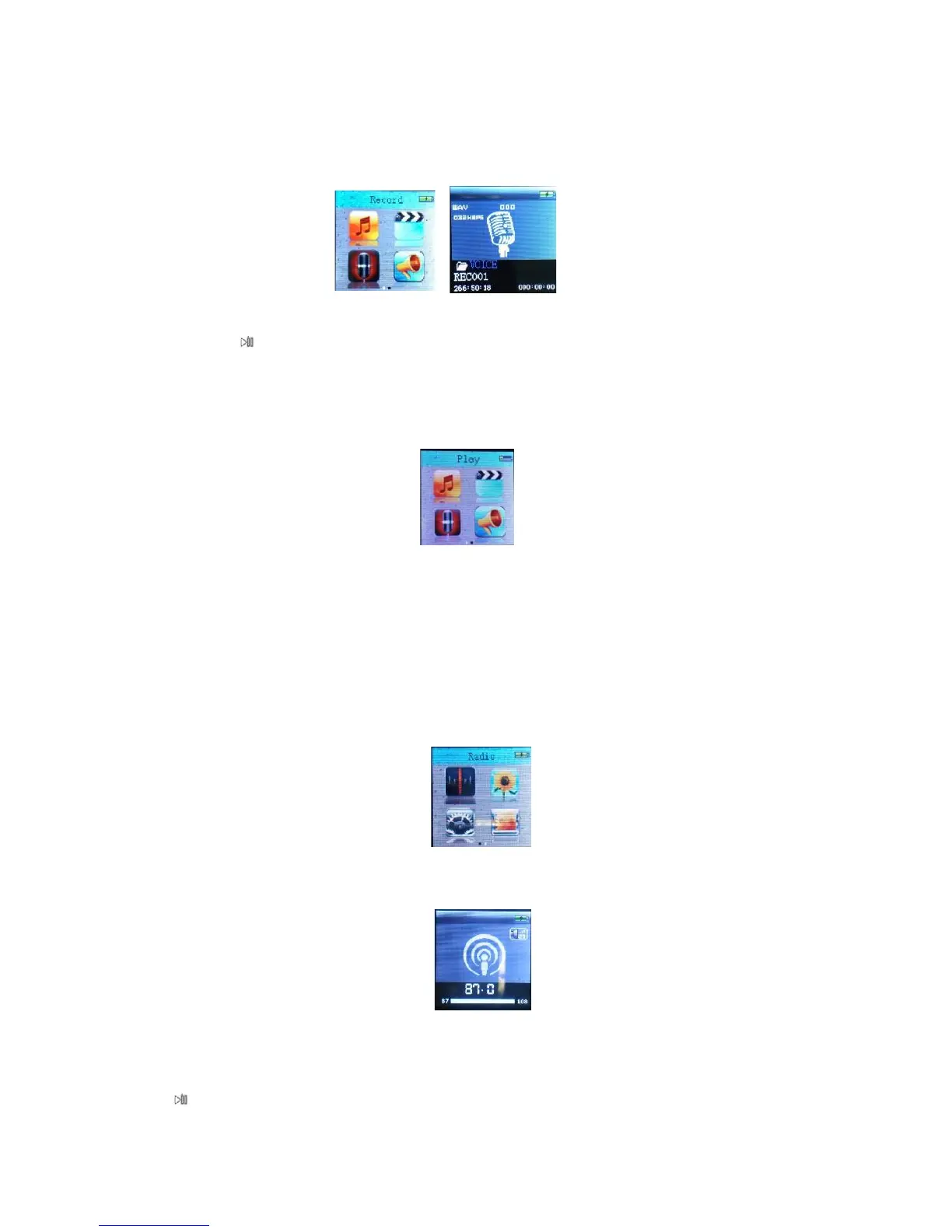
5.1 Main menu
Select <Record> at main interface, press M button to enter.
Short press to start recording,another short pressing the same button to finish recording. Long press M button
to store the recording file and back to main interface.
6 Play
6.1 Main Menu
Select <Play> at main interface, press M button to enter.
Root: short press M button to enter folder and Select the recoding file needing playing
Delete file: select the file needing deletion,short press M button to confirm and press it again to delete.
Delete all
Change volume
Exit
7 Radio
7.1 Main Menu
Basic operation:
Save: select radio frequency and press M button to Select save the radio, press it again to save.
Record: select radio frequency and press M button and Select radio recording and press it again to enter,then press
to start recording.
Delete:select saved radio and press M button to delete it.



 To Next Page