Distribution Panel
63
© 2015 by Roadtrek, Inc.
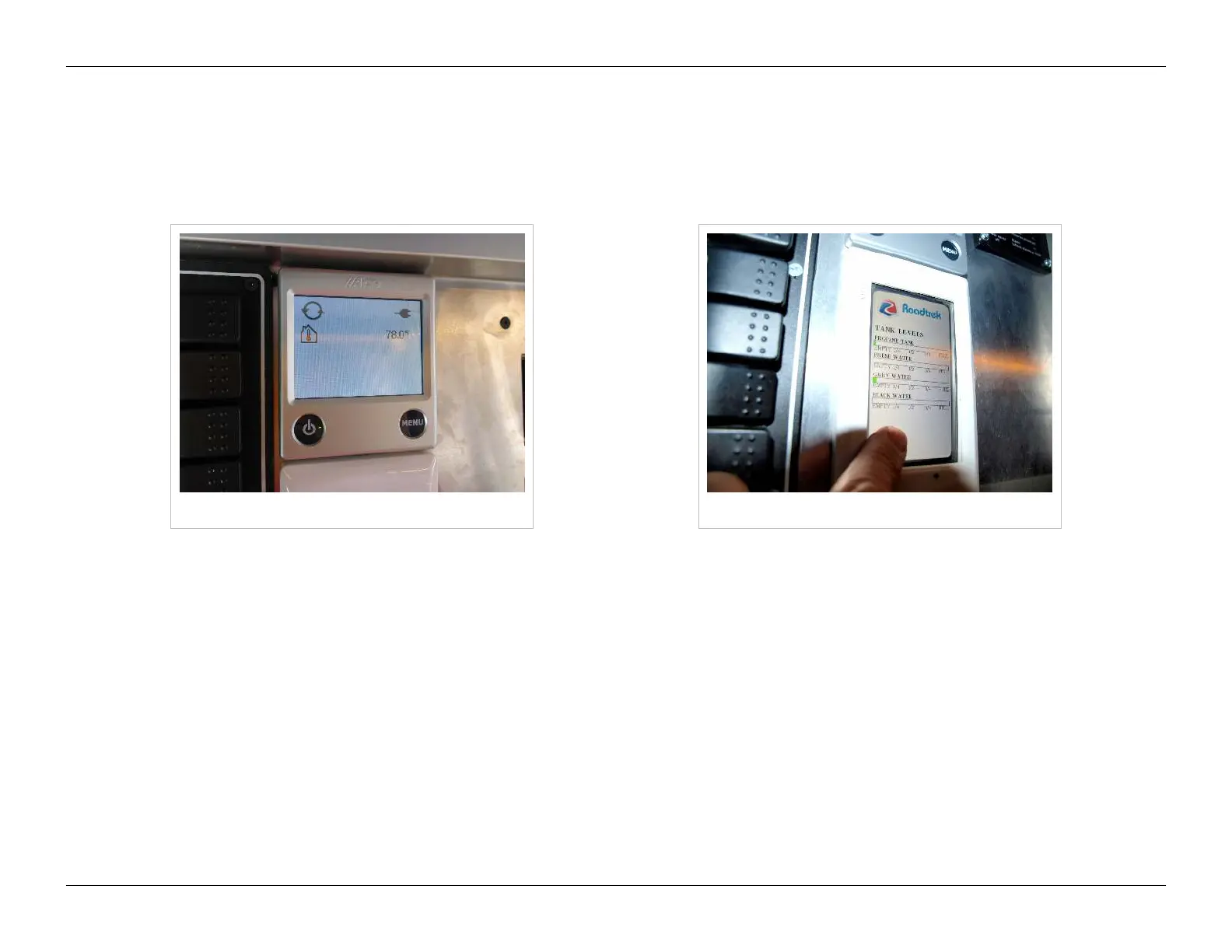
Alde Control
The Alde unit control is the small square display screen with two buttons beneath it. Please refer to the Alde manual for
specifics about configuring and operating your Alde unit. The breaker and remote control panel turn it off and on, but
thermostatic settings etc. are controlled by this control unit.
Alde control Tank level display
Water and Propane Tank Levels Display
Touch the rectangular screen below the Alde control to activate the tank levels display. This display indicates propane, fresh
water, gray water, and black water tank levels of your vehicle. The lighted display will turn itself off after an interval, but can
be reactivated by touching it again.
The propane indicators will show full when the tank is at its maximum capacity. Because of the safety-related need for a
vapor space at the top of the propane tank, the maximum fill capacity is 80% of the volume of the tank. Your 60 liter/16
gallon propane tank is full when it holds 48 liters/12.8 gallons of propane. There is another gauge directly on the tank that
you can see behind the front utility bay door at the bottom of the driver's side. This gauge has finer gradations and will give
you more information about your propane level than the indicator light display will.


 To Next Page
 Loading...