HOWTO: Monitor Panel
87
© 2015 by Roadtrek, Inc.
Touching each of these icons will give you the respective monitoring and control menus in each system area. Touching the
looping arrow "Back" symbol in the lower left corner of the touch screen returns you to the main menu.
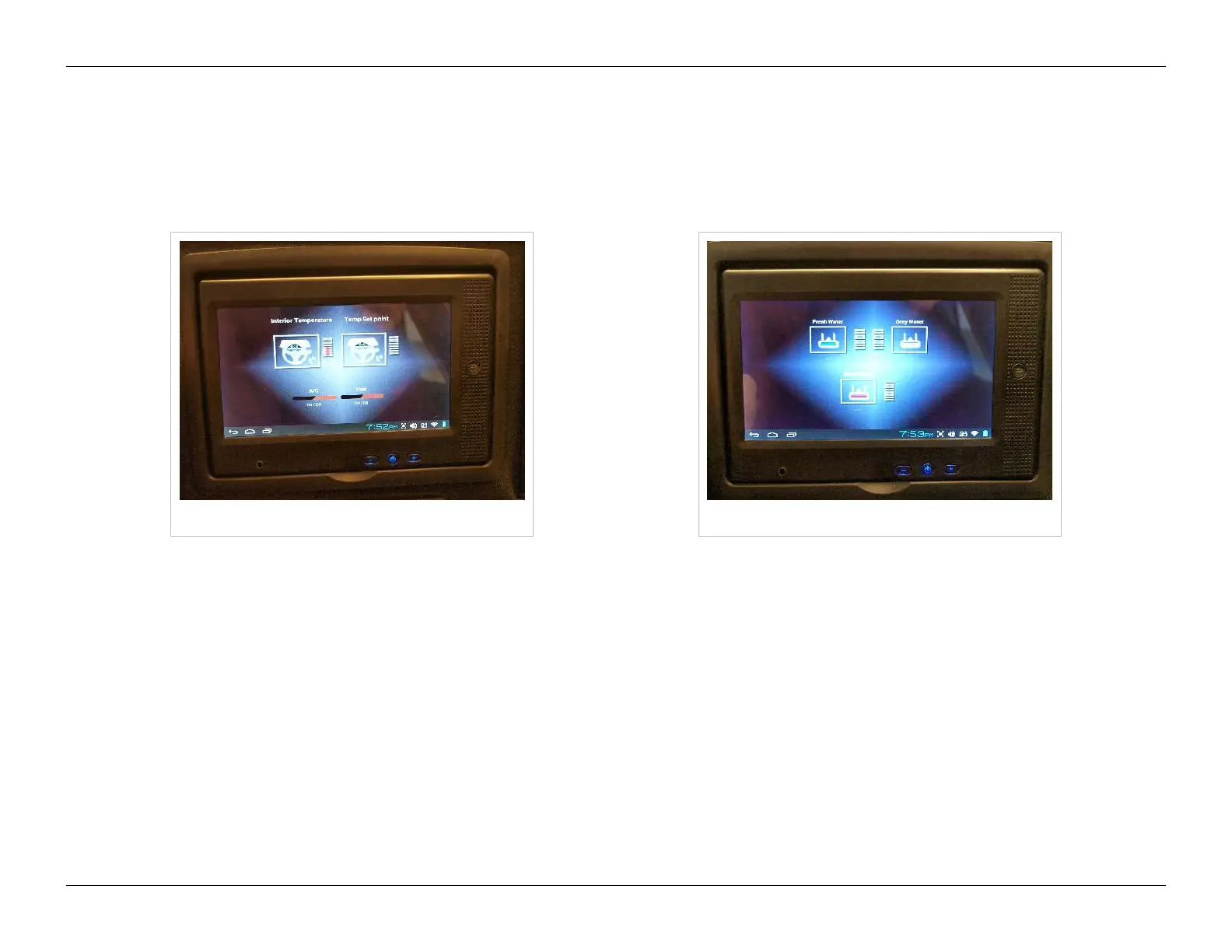
The "Climate" menu will allow you to turn the air conditioning and heating systems off and on, as well as tell you current
cabin temperature and the thermostat set point of the system in use. To change the thermostat temperature set point, use
the Alde and air conditioner controls in the rear of the cabin.
Climate menu Plumbing menu
The "Plumbing" menu displays current fresh, gray and black water tank levels.
The "Power" menu has at the top displays for current propane tank level and battery bank state of charge, plus three icons
across the bottom,
•• inverter center - displays AC input (shore power) and AC output (inverter), plus battery bank load in percent and auxiliary
(chassis) battery voltage
•• charging center - displays charging voltages for the engine generator or optional propane generator, plus solar charging
system voltage
•• battery management - displays cell status for each of the batteries in the battery bank in voltage, plus temperature for the
optional lithium battery



 To Next Page