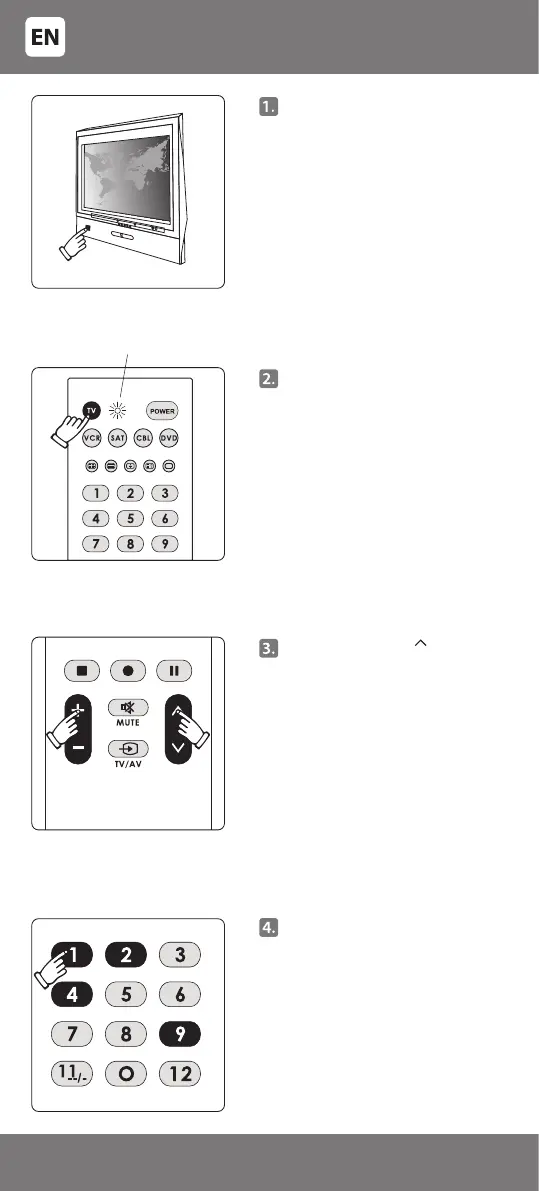
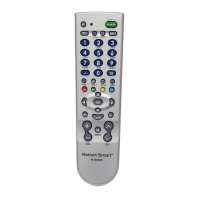
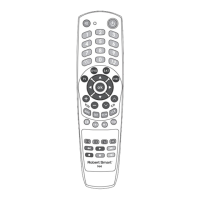
Manually switch on the
controllable device (e.g. TV).
(It must be fully switched on, and
not just in standby mode!). For a
DVD device - insert a DVD disc, for
VCR – a cassette, and switch the
playback mode on. For SAT, CBL
– select any program. A picture of
the selected device should appear
on the screen.
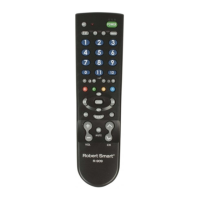
Press the key of the controllable
device on the remote (e.g. for the
television – [TV]). A light indicator
will switch on. Release the key.
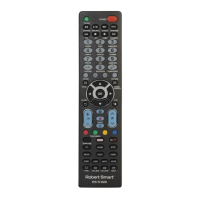
Press keys [+] and [ ] at the same
time and release them only when
the indicator switches on and
remains lit.
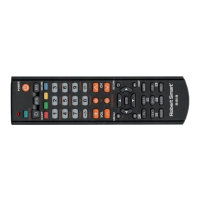
Enter a 4-digit code (e.g. for TV
'PHILIPS' the code is '1492').
The indicating light is on
- 4 -
34-47



 To Next Page