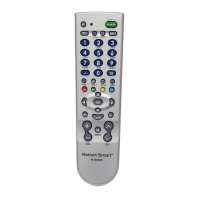
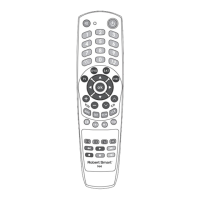
IMPORTANT:
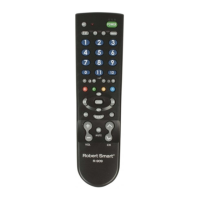
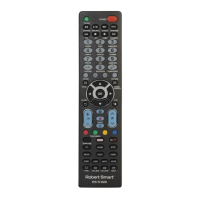
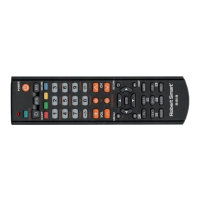
- The remote cannot increase the number of device functions.
E.g.: if the TV has no 'MUTE' function (sound switched o), the key [MUTE]
on the remote will not work.
- Some of the remote control functions may not work.
- Symbol on the key and the performed function may dier.
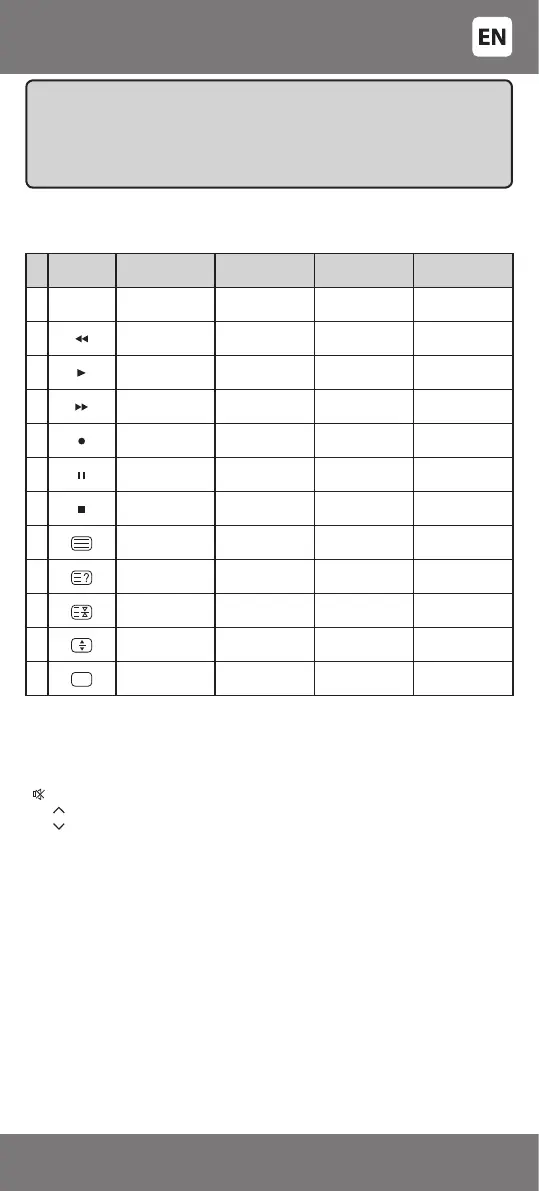
TABLE – CONTROL KEYS OF TV, VCR, SAT, DVD AND CORRESPONDING
FUNCTIONS
[POWER] – switching the device on/o
[A/V] – connection of auxiliary audio/video device
[VOL +] – turning the volume up
[VOL -] – turning the volume down
[ ] – switching the sound o
[CH ] – changing the channel up / navigation in MENU mode
[CH ] – changing the channel down / navigation in MENU mode
[MENU] – function key of the menu
[OK] – conrmation of the selected function in MENU mode
[LRC] – return to the previous selected channel (program)
[NICAM] – selection of NICAM sound (stereo) standard mode (for TV
sets with such function, and if the TV program is broadcasted in NICAM
standard)
Colour keys – changing of teletext functions
Press keys
TV Function
key
VCR Function
key
DVD Function
key
Sat Function
key
1 12 12 - Angle 12
2 Red Fast rewind Fast rewind East
3 Play Play Play Signal
4 Blue Fast forward Fast forward Help
5 Normal Video recording Video recording TV/radio
6 Yellow Pause Pause Pause
7 Green Stop Stop West
8 Text mode - Disc Help
9 Reveal - A/B -
10 Page Hold - Title -
11 Expand - Subtitle -
12 TV mode ANT / SW - Guide
INSTRUCTIONS FOR CORRECT USE
Avoid sharp impacts to the remote, strong vibration, excess heat (over
40°C). Do not allow the remote to come into contact with uids, perfumes,
and alcohol. Do not let the batteries leak.
Technical alterations are possible without prior notice.
- 7 -
34-47



 To Next Page