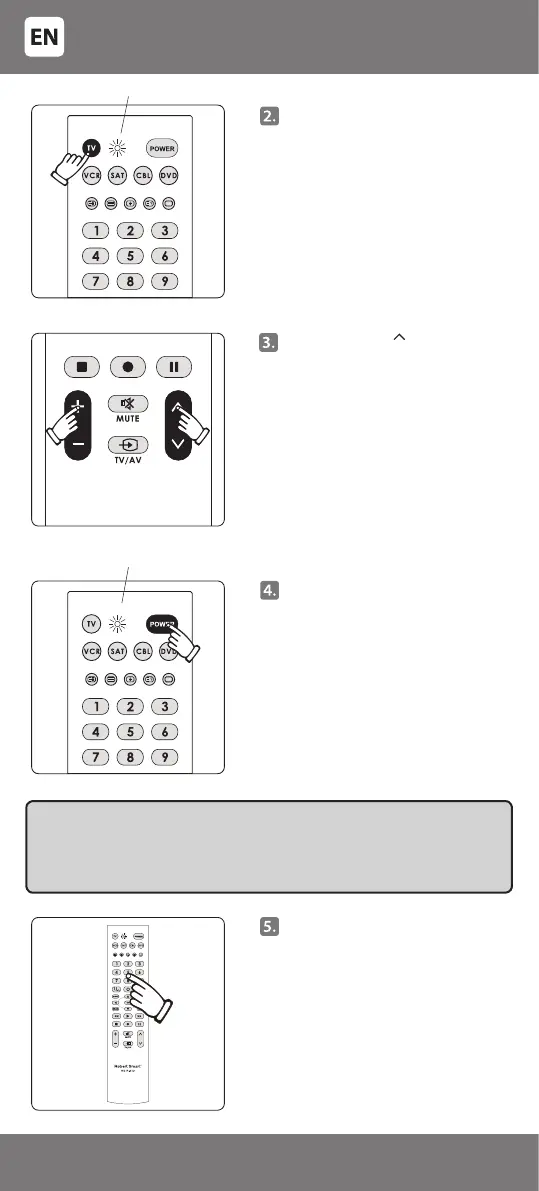
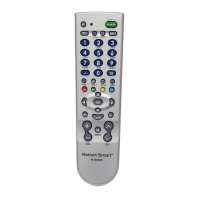
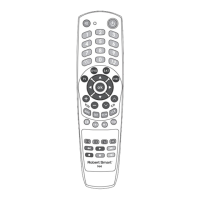
Press [+] and [ ] keys together
and release them only when the
indicator switches on again and
remains lit after having gone out.
Point the remote towards the
controllable device, press and hold
the key [POWER]. Immediately
release the key [POWER] if the
controllable device switches o –
the indicator should go out.
Finding the correct code for
specic models can take over 10
minutes, therefore be patient and
release the key [POWER] only when
the device (TV) switches o.
The indicator ashes
Point the remote towards the
controllable device and check
that the keys of the remote are
working. If some or all of main
keys are not working, repeat steps
2 - 5.
IMPORTANT: If the device (TV) switches o - the code detectable for the
device has been found. Please follow the search procedure carefully and
release the key [POWER] immediately when the device switches o so that
the device does not search for another code. After release of the key [POWER]
the last transmitted code is stored in the remote control memory.
Press the key of the controllable
device on the remote (e.g. for the
television – [TV]). A light indicator
will switch on. Release the key.
The indicating light is on
- 6 -
34-47



 To Next Page