13
Reset speaker
In the event of a malfunction due to electrostatic discharge, power supply
transients or short interruptions, removal and reconnection of the power
source may be required.
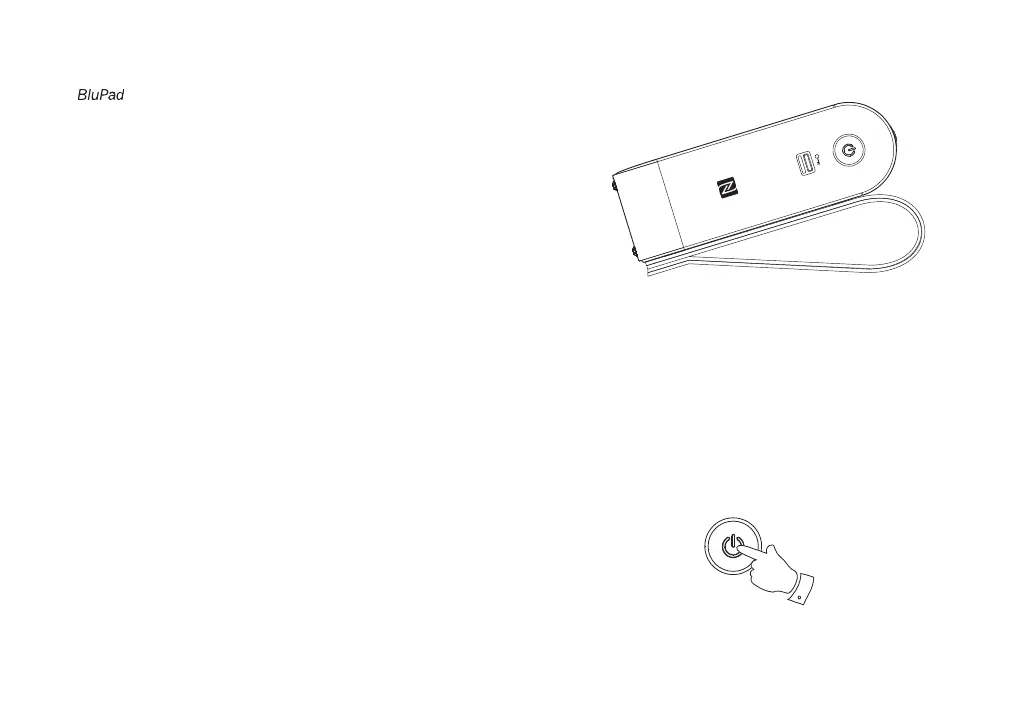
1. To reset your speaker press and hold the Power On / Off button for
approx. 5 seconds. The speaker will reset to factory settings and all
current Bluetooth pairings will be deleted.
Leather carry case
Your speaker comes with a leather carry case that can also be used
as a stand whilst your music is playing.
1. To attach your carry case to your speaker clip the back cover on to the
four press studs on the back of the speaker.
2. Fold the front cover over the speaker to close the case and protect the
speaker. It will be held closed by internal magnets.
3. To use the carry case as a stand for your speaker fold the cover back
as shown in the diagram. It will be held in place by internal magnets.
4. To remove the cover unclip the press studs which secure the cover to
the rear of the speaker.
1



 To Next Page