
 Need help?
Do you have a question about the Roberts Sound 200 and is the answer not in the manual?
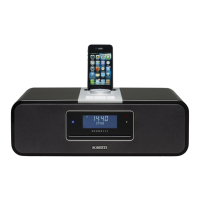
Describes the product's capabilities and features in an attractive compact unit.
Details the physical controls and connection ports located on the top panel of the unit.
Explains the functions of the buttons on the remote control for operating the sound system.
Explains screen symbols and describes the main control knob for power and menu access.
Describes the basic procedure for operating the sound system in DAB mode.
Provides instructions on how to tune into and select desired DAB radio stations.
Step-by-step guide for setting up the two available alarm functions.
Procedure to reset the sound system to its default factory settings.
Provides important safety warnings and advice for operating the sound system.
Information regarding the power requirements and safe connection to the mains supply.
 General
| Display | LCD |
|---|---|
| Alarm | Yes |
| Digital radio | DAB/DAB+ |
| Power | Mains & Battery |
| Inputs | USB |

 To Next Page