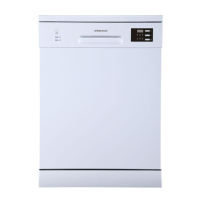
Operating Instruction
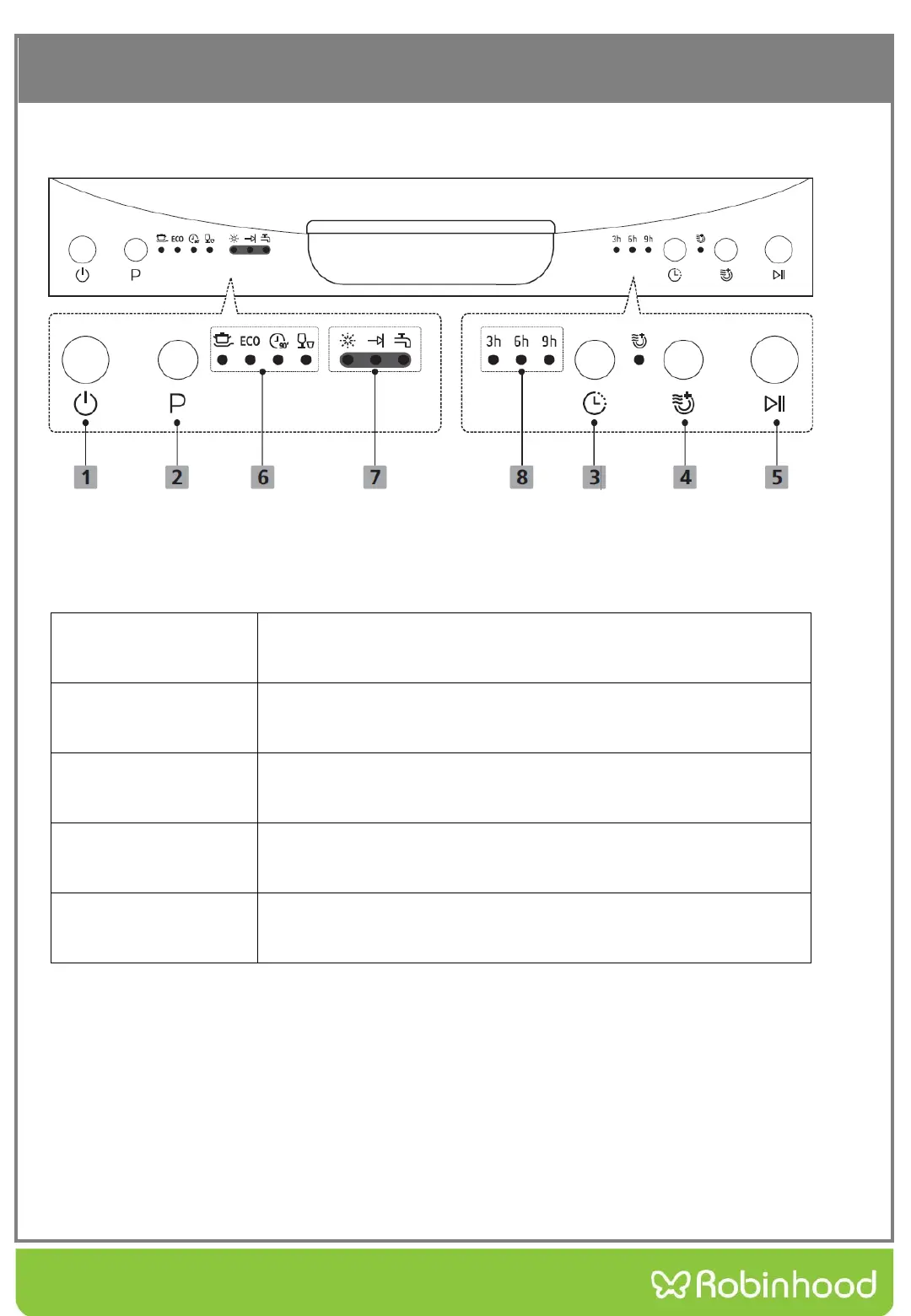
Control Panel
Operation (Button)
1 Power Press this button to turn on your dishwasher, the screen
lights up.
2 Program Select the appropriate washing program, the selected
program indicator will be lit.
3 Delay Press the button to set the delay time, corresponding
indicator will be lit.
4 Extra Drying To dry dishes more completely.(It can only be used with
Intensive, ECO and 90 mins.)
5 Start/Pause To start the selected washing program or pause it when
the dishwasher is working.



 To Next Page