1. Enter coding mode from PC
Drone Simulator & Rokit Brick
3
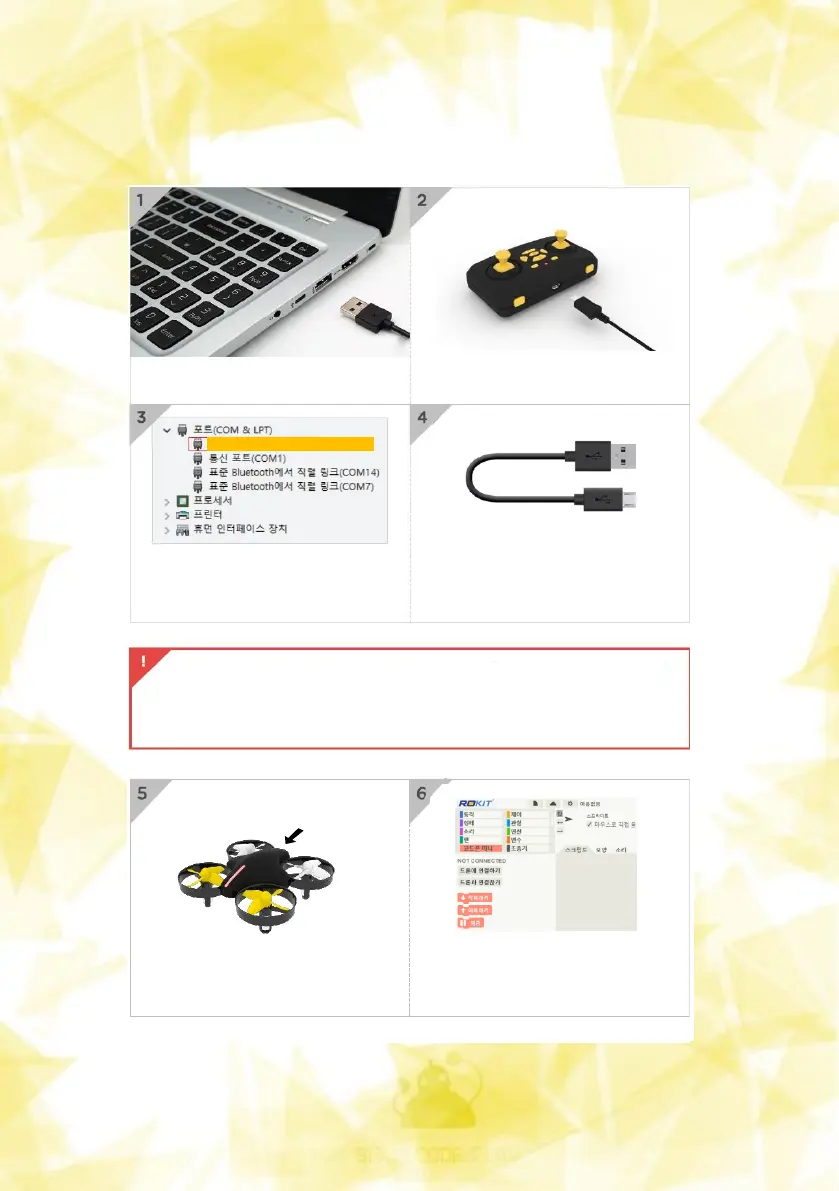
Connect the USB cable to your PC
Connect the cable (micro 5 pin)
to the controller port
Check the COM PORT number in
Device Manager - Port
(COM PORT numbers may vary
from PC to PC)
Occasionally, a bad ‘Micro 5 pin’
may prevent ‘COM PORT number’
from appearing.
(In this case, please replace Cable.)
USB serial device(COM 13)
- Windows 10 : The UBB driver will be installed automatically
- Windows 7,8 : UBB drivers must be installed manually
※ The name of the device manager may be marked 'STM32 virtual COMport'
Put a battery in the drone, turn
on the power, and connect the
controller to the drone.
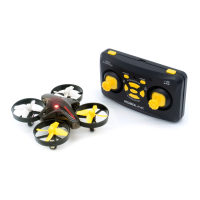
With Rokit brick coding, you can get
the drone flying as much as you want.


 To Next Page