39
Controller Block: Appears by clicking on the Controller tab on the palette.
Button status notification :
-UP: No button on the controller is pressed
-PRESS: One of the controller's buttons is pressed
-DOWN: One of the controller's buttons is just being pressed.
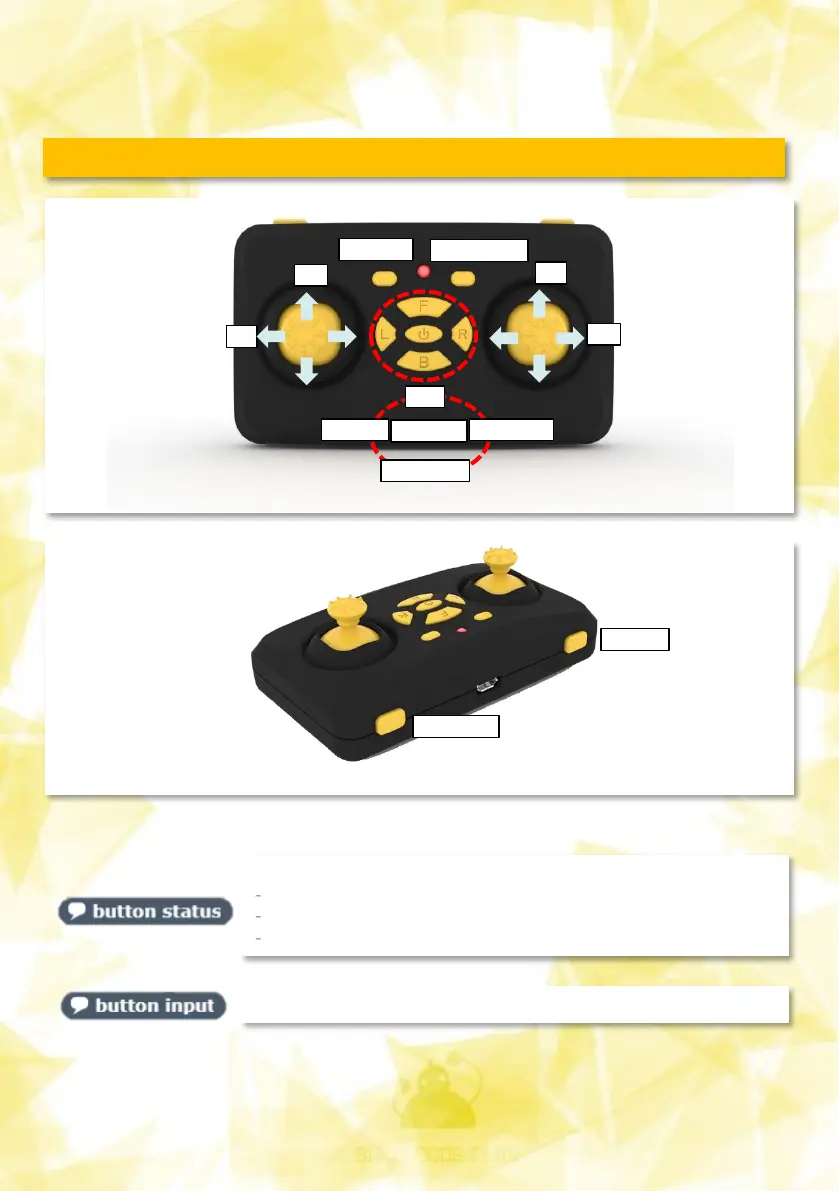
Tells which buttons are pressed (see figure above)
Y
X
Y
X
PAIRING
RESET
SPPED
LED/FLIP
UP
DOWN
LEFT RIGHT
ON/OFF


 To Next Page