Chapter 5
Settings and
Advanced Features
Manual
User options
(Not accessible to user
Password required)
Information
Press GO
User Preferences
Press GO
Child Guard
Press GO
Service
Press GO
Safety Tests
Press GO
(Not accessible to user
Password required)
Information
Press GO
User Preferences
Press GO
Child Guard
Press GO
Service
Press GO
Safety Tests
Press GO
5.1 User Options
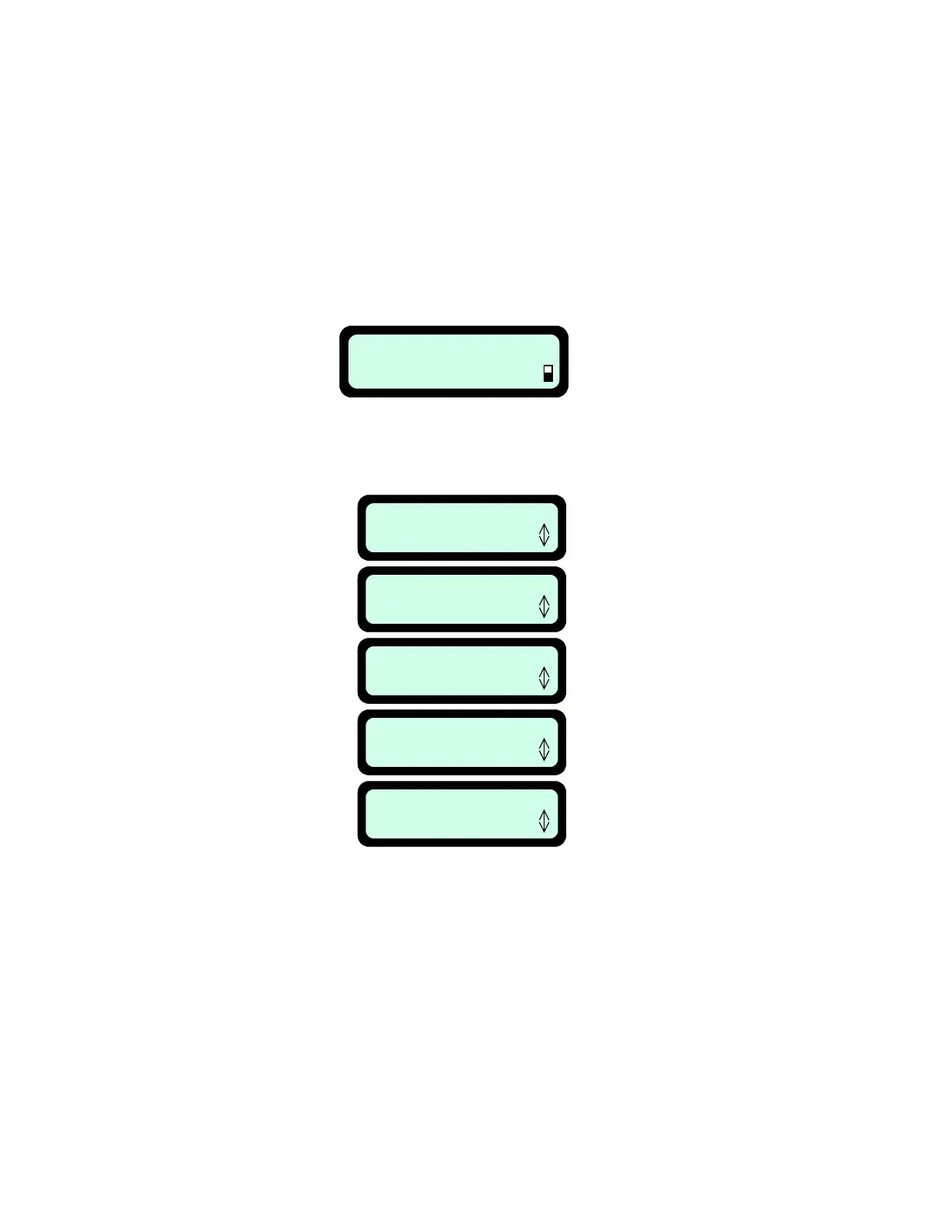
Lifting the Manual Controller from its holder will change the text display on the LCD to the manual
operating menu, as seen in Figure 5.1.
Pressing ‘GO’ once will take you to the next screen, ‘User Preferences’. Figure 5.2.
Using the ‘Up ⇑ Down ⇓’ arrow keys will allow you to scroll through the menu items, as shown in
figure 5.2.
The ‘GO’ button is used as a means to select or confirm different menu options or settings. By
pressing the ‘GO’ button, it will generally select or confirm what is shown on the second line of the
LCD text message. There are several settings for which the operator can make changes to or
features to enable/disable. Pressing the ‘C’ button at any time during the menu selection process will
bring you back to the main menu. The following menu options are available to the user and may be
changed as desired; (not all options are available on all models)
Fi
ure 5.1
Fi
ure 5.2
5.2 User Preferences
Press ‘GO’ to view the menu of user preferences, beginning with ‘Zones setup’, Figure 5.3. Using
the ‘Up ⇑ Down ⇓’ arrow keys will allow you to scroll through these menu items. Pressing ‘GO’ will
take you to these various preferences. Figure 5.3.
36



 To Next Page