5.2.6 Blades replaced
Choose this option after replacing the blades to restart the reminder counter. A reminder to replace
the blades again will be displayed after the next 200 hours of operation. Blades are easy to replace,
refer to section 8.2.
5.2.7 Anti-Theft
The anti-theft system provides the user a disabling function that will prevent anyone from using or
driving the RoboMower unless they have the valid code to enter. You will be prompted to enter a four-
digit code of your choice to use as your personal security code. Use the scroll arrows in order to
change each digit position to a different number and then press ‘GO’ to move to the next digit to
select. You will find a place to record your personal security code in Chapter 7 of this manual. Be
sure to record your code for future reference.
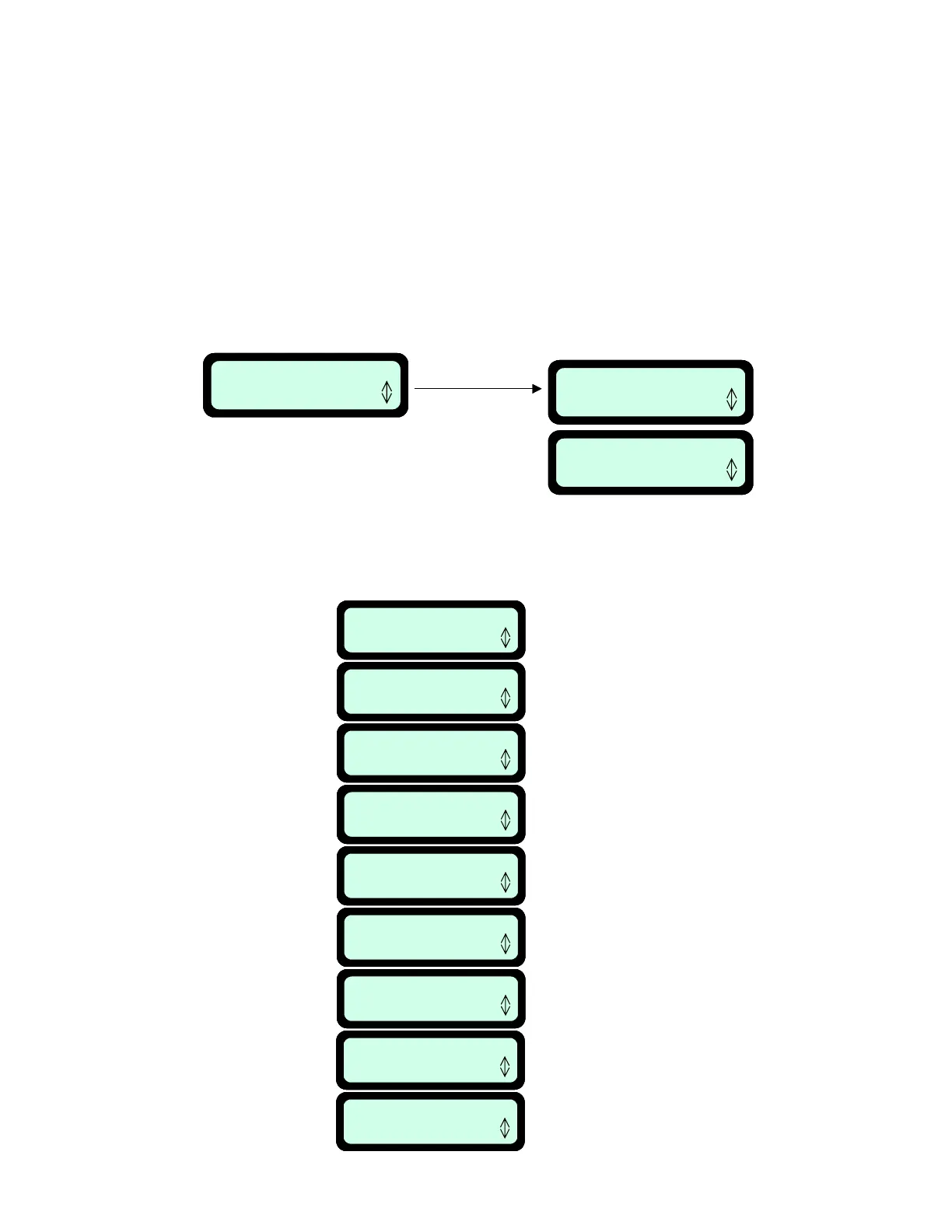
To change the password chose the ‘Change password’ option under the ‘Anti theft’ menu (see figure
5.7). You will be promoted to enter your old password before setting the new one.
39
Change password
Press GO
Anti theft
Press GO
Press GO
Anti theft off
Press GO
Change password
Press GO
Anti theft
Press GO
Press GO
Anti theft off
Press GO
Fi
ure 5.7
Charging voltage
Press GO
Total time
Press GO
Bat. run time
Press GO
Temperature
Press GO
Main Board
Press GO
Software version
Press GO
Battery voltage
Press GO
Last stop cause
Press GO
Charging temp.
Press GO
Indicates the total number of hours
the mower has been in operation
Indicates the last battery run time
(till ‘Recharge battery’ is displayed)
Displays the current voltage of the
Power Pack.
Displays the temperature inside
the Robomow
Displays the part number of the
Main Board
Displays the software version
operating in this mower
Displays the charging voltage
Displays the charging temperature
(measured on the Main Board)
Displays the last 10
stop causes number
Charging voltage
Press GO
Total time
Press GO
Bat. run time
Press GO
Temperature
Press GO
Main Board
Press GO
Software version
Press GO
Battery voltage
Press GO
Last stop cause
Press GO
Charging temp.
Press GO
Charging voltage
Press GO
Total time
Press GO
Bat. run time
Press GO
Temperature
Press GO
Main Board
Press GO
Software version
Press GO
Battery voltage
Press GO
Last stop cause
Press GO
Charging temp.
Press GO
Indicates the total number of hours
the mower has been in operation
Indicates the last battery run time
(till ‘Recharge battery’ is displayed)
Displays the current voltage of the
Power Pack.
Displays the temperature inside
the Robomow
Displays the part number of the
Main Board
Displays the software version
operating in this mower
Displays the charging voltage
Displays the charging temperature
(measured on the Main Board)
Displays the last 10
stop causes number
5.3 Information
Pressing ‘GO’ at the ‘Information’ display will open the option to scroll between the following menus
(Figure 5.8):
Figure 5.8
Information
menu



 To Next Page