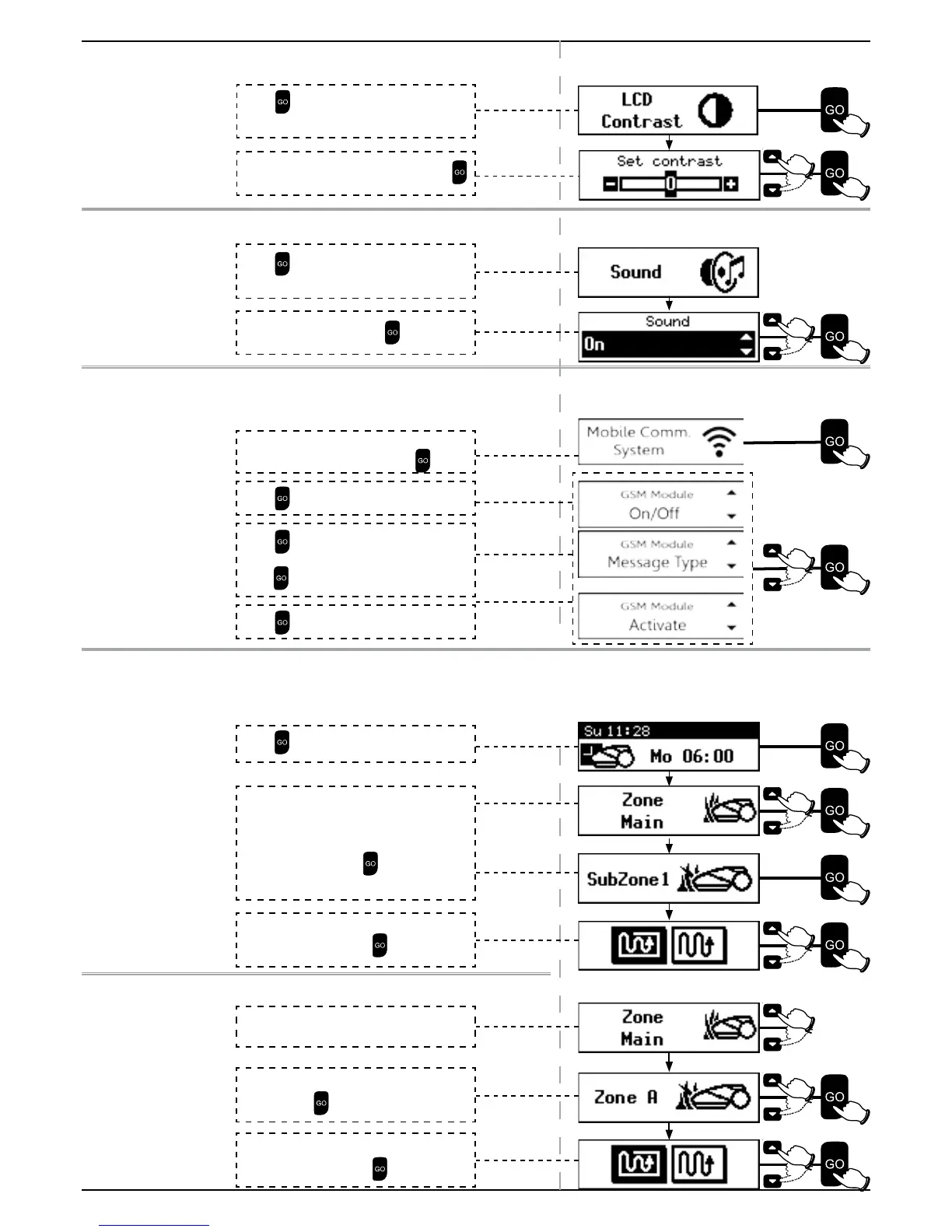
4.4.6 LCD Contrast
To change LCD Contrast Level
4.4.7 Sound
Use the Sound option to turn all non-safety sounds off.
4.4.8 Mobile Comm. System.
Set this menu to ‘On’ when using the GSM Module, which is avaiable as an
accessory (Refer to Paragraph 10 - Accessories).
The GSM Module enables remote alerts through the Robomow App.
4.5 Manual Operation
Manual Operation is used when mowing the lawn at unscheduled times, or when the lawn has to be cleared of people and
debris before the mowing starts.
To initiate Manual Operation when Robomow is at the Base Station:
To initiate Manual Operation in a Zone without a Base Station:
Scroll to select Mobile Comn. System
from the Lawn Option menu. Press
Press to select On/Off
Press
to activate the GSM Module
Press
to select the Message Type.
Theft Detect or Operation Stop, than
press
to select On/Off
Press
to select LCD Contrast from the
Mower Options menu.
Scroll to select desired contrast level. Press
.
Press
to select Sound from the Mower
Options menu.
Scroll to select On/Off. Press
Scroll to choose the operation mode (Edge +
Scan or Scan only). Press
.
Scroll to choose the Zone you want Robomow
to mow, Press
.
Scroll to choose the operation mode (Edge +
Scan or Scan only). Press
.
Scroll to choose the Zone you want Robomow
to mow (you can choose between Main and
Sub-Zone if exist). Press
.
Press
.
Place Robomow inside the lawn.

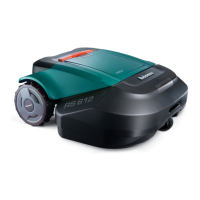

 To Next Page