28
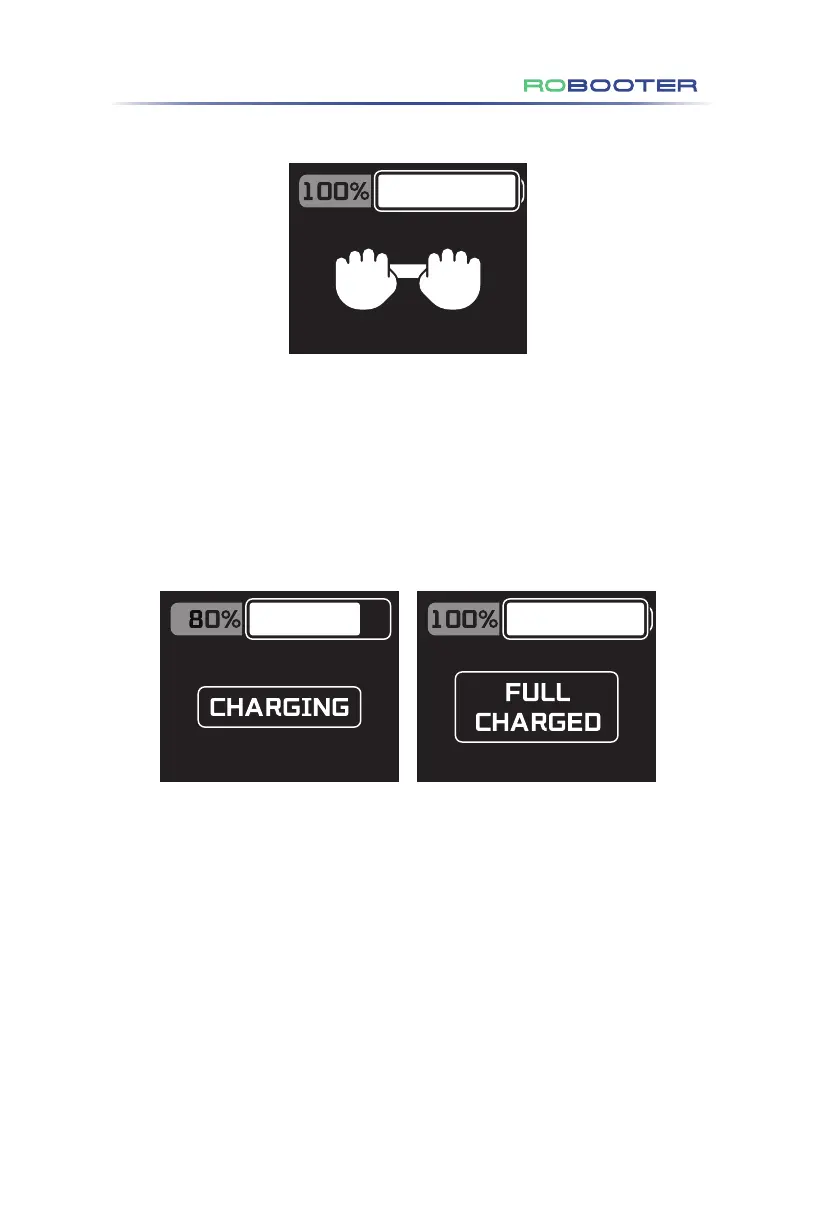
Figure 4.3.3.5
Figure 4.3.3.6
(10) Pushing mode display (as shown in Figure 4.3.3.5)
At the same time, press and hold the button "Speed ︿" and "Speed ﹀" for 3s, and
the pushing mode icon will be displayed on the upper controller screen of Electric
Wheelchair.
(11) Battery charging status display (as shown in Figure 4.3.3.6)
After the charging port of the Electric Wheelchair is connected to the charger, the
upper controller screen will display CHARGING icon, meaning that the Electric
Wheelchair is being charged;
After the Electric Wheelchair is fully charged, the upper controller screen will display
FULL CHARGED icon, meaning that the Electric Wheelchair has been charged.
4.Use of the Electric Wheelchair


 To Next Page
 Loading...