27
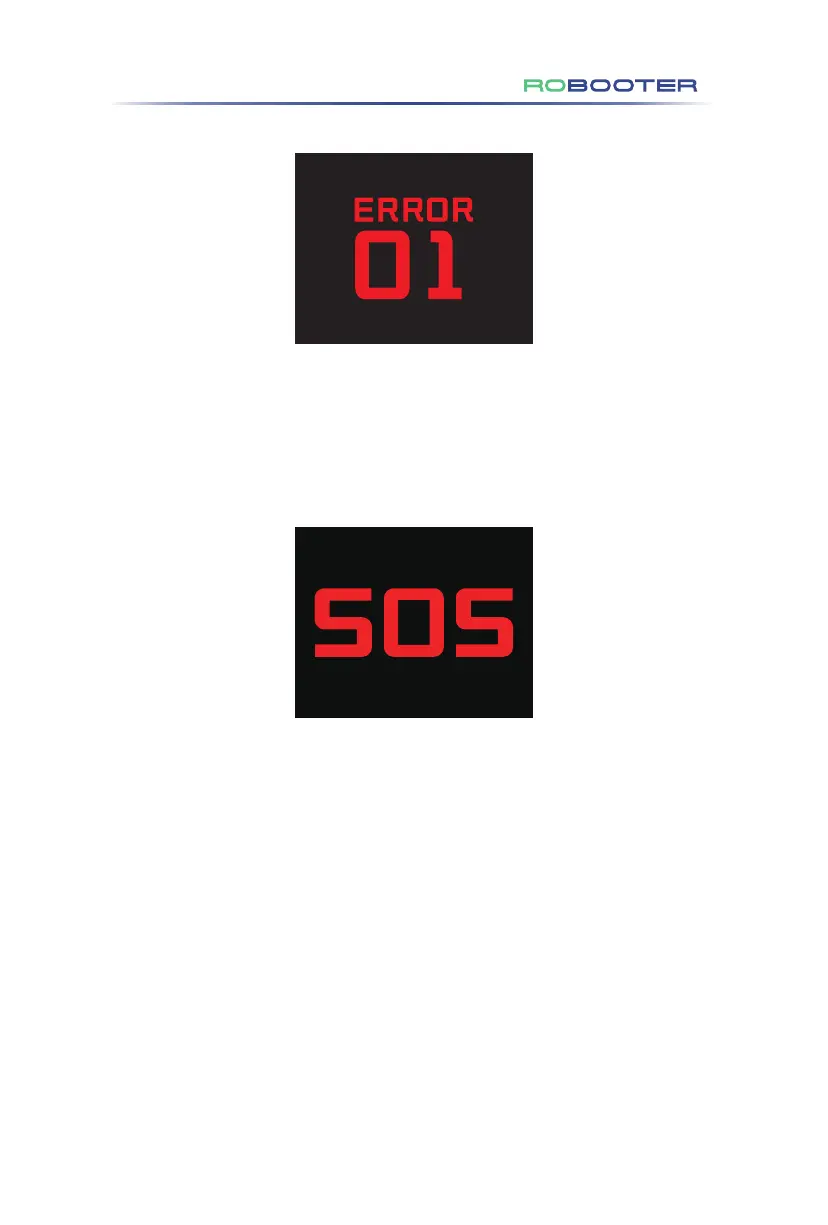
(8) Fault code display (as shown in Figure 4.3.3.3)
For the diagnostic code displayed by the built-in information diagnostor of the
product, refer to 5.2 troubleshooting for the content.
Figure 4.3.3.3
Figure 4.3.3.4
(9) SOS display (as shown in Figure 4.3.3.4)
Long press SOS button for 3 seconds to start SOS call. The screen displays SOS icon
and flashes. SOS is only an audible alert and cannot be used for phone calls.
4.Use of the Electric Wheelchair



 To Next Page