56
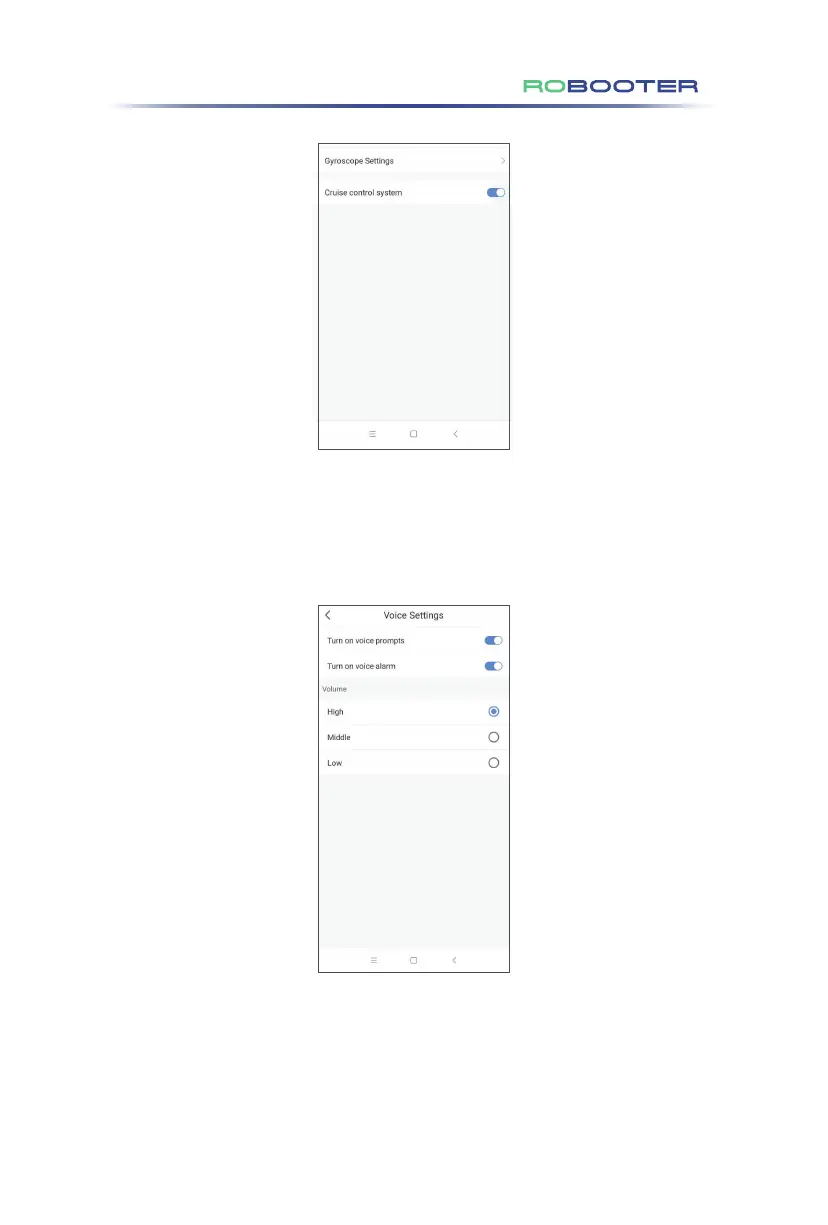
Click”Vocice settings”in the General settings to access the vocice settings mode.
Turn on voice prompts: slide left to turn off voice, slide right to turn on voice.
Turn on vocie alarm: slide left to turn off voice, slide right to turn on voice.
Adjustable 3-step volume:High,Middle,Low.
Click “General Settings”in the setting screen to access the general settings mode.
Cruise control system: slide left to turn off cruise control, slide right to turn on cruise
control.
6. APP operation guide of the electric wheelchair
Click in the status screen to access the remote cotrol mode
Circle up to move forward, down to move back, left to turn left, right to turn right.
The Electric wheelchair on-board controller will always have more control than any other
controller (mobile phone or remote control)


 To Next Page
 Loading...