57
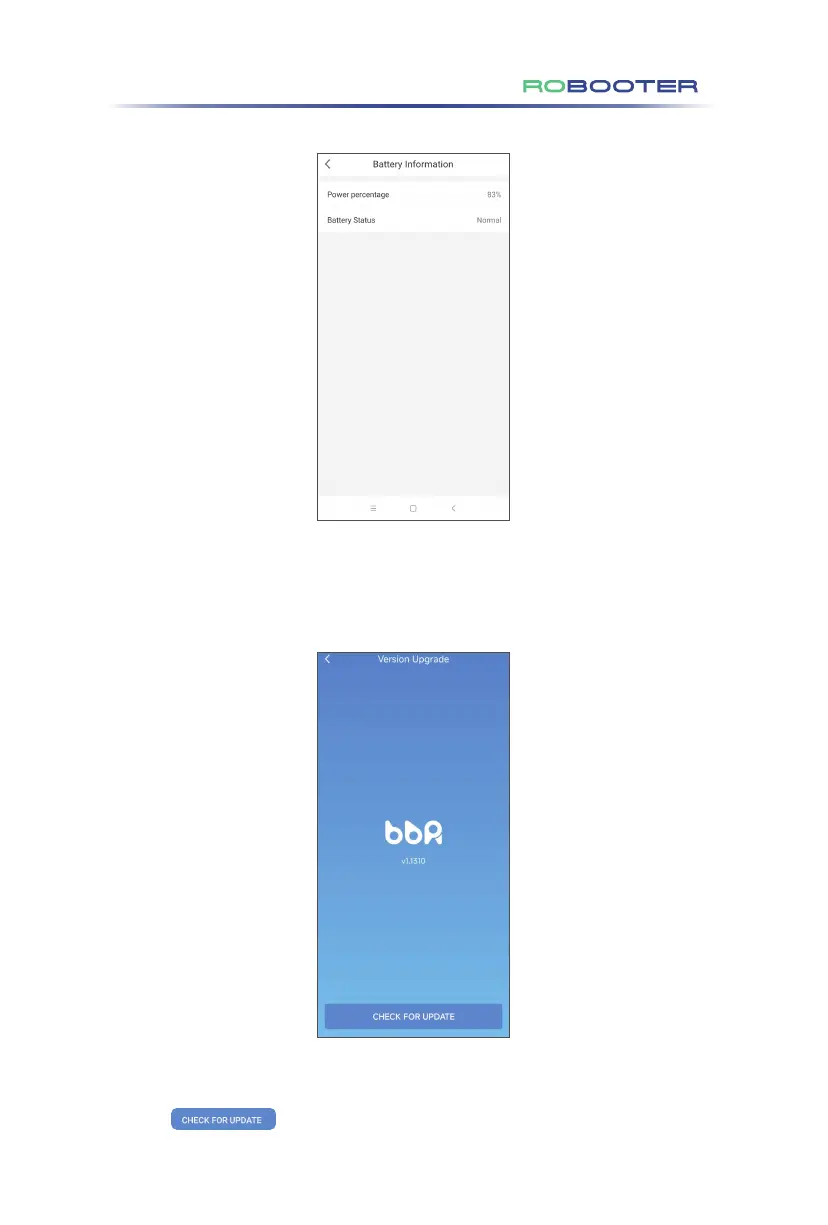
Click “Battery information”in the setting screen to access battery information screen.
Shows battery power percentage and battery status.
Click “Current Version”in the setting screen to access version upgrade mode.
Show current device version.
Click to upgrade version of device.
6. APP operation guide of the electric wheelchair



 To Next Page