EasyManua.ls Logo

Robot X5 Glassbot - Remote Control Operation; Power Connection and Switch

Robot X5 Glassbot
12 pages
Print Icon
To Next Page IconTo Next Page
To Previous Page IconTo Previous Page
Loading...
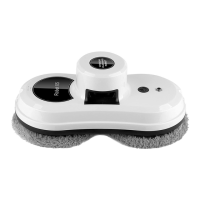
Know Your GlassBot
T
he
dev
ic
e
c
an
b
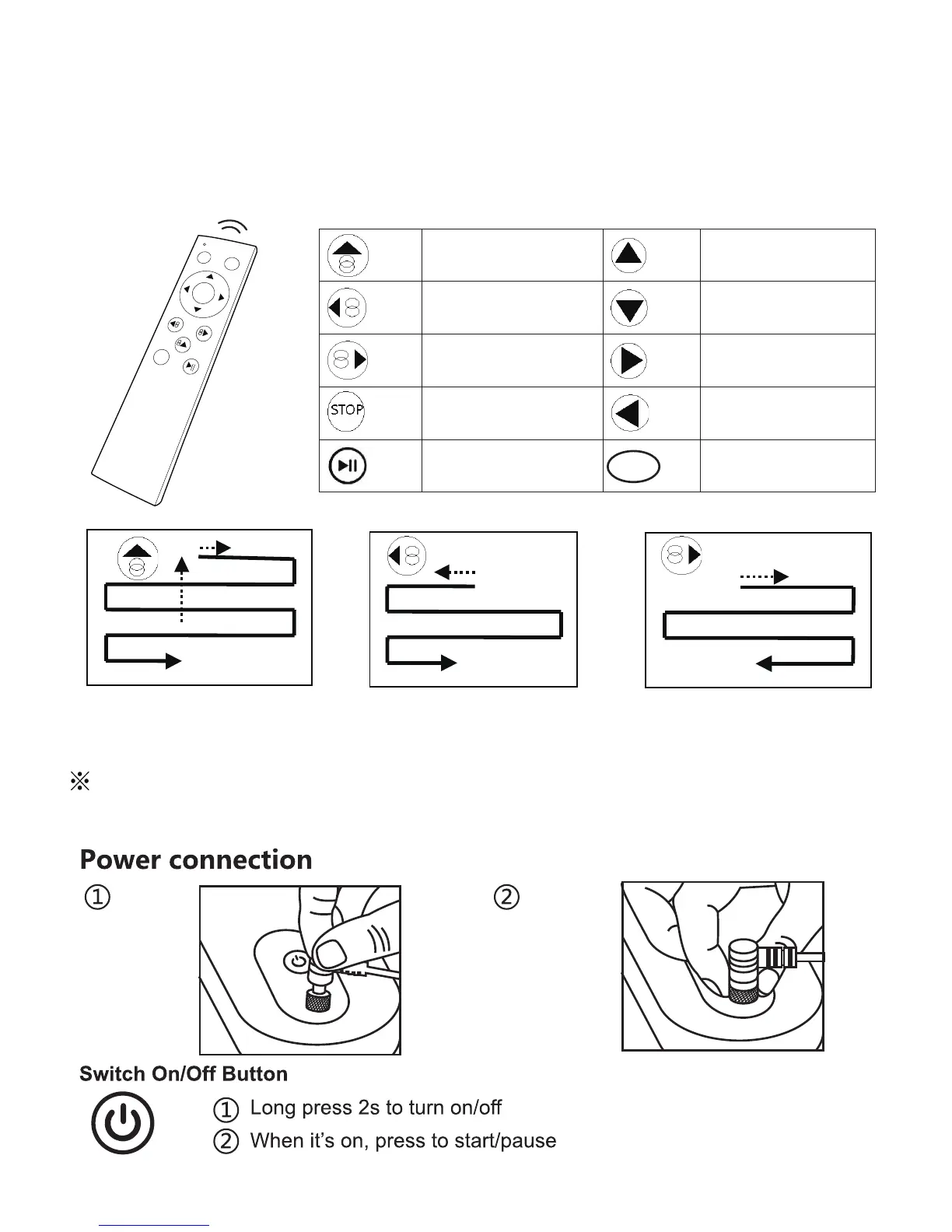
e remote controlled from the front and backside.
Remote Control
Au
to
m
a
tica
ll
y
m
ove up
then down
Manually move up
Au
tomatically move left
then down
Manually move down
Au
tomatically move
right then down
Manuall
y
m
o
v
e
ri
g
ht
Stop Cleaning
Manually move left
B
A
START
STOP
Plug in
Tighten
the
screw
Please remove the insulation spacer in the bottom of back of remote controller
before useing. If you have to replace the battery, just pull down the battery cover.
Auto Up then Down Auto Left then Down Auto Right then Down
Stop Cleaning
5
Start
Start Cleaning