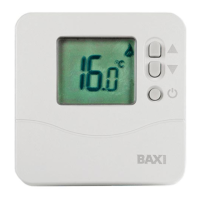
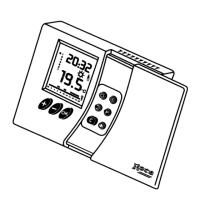
This thermostat ensures accurate control of the
temperature in accordance with the rhythm of
daily life.
Programming example:
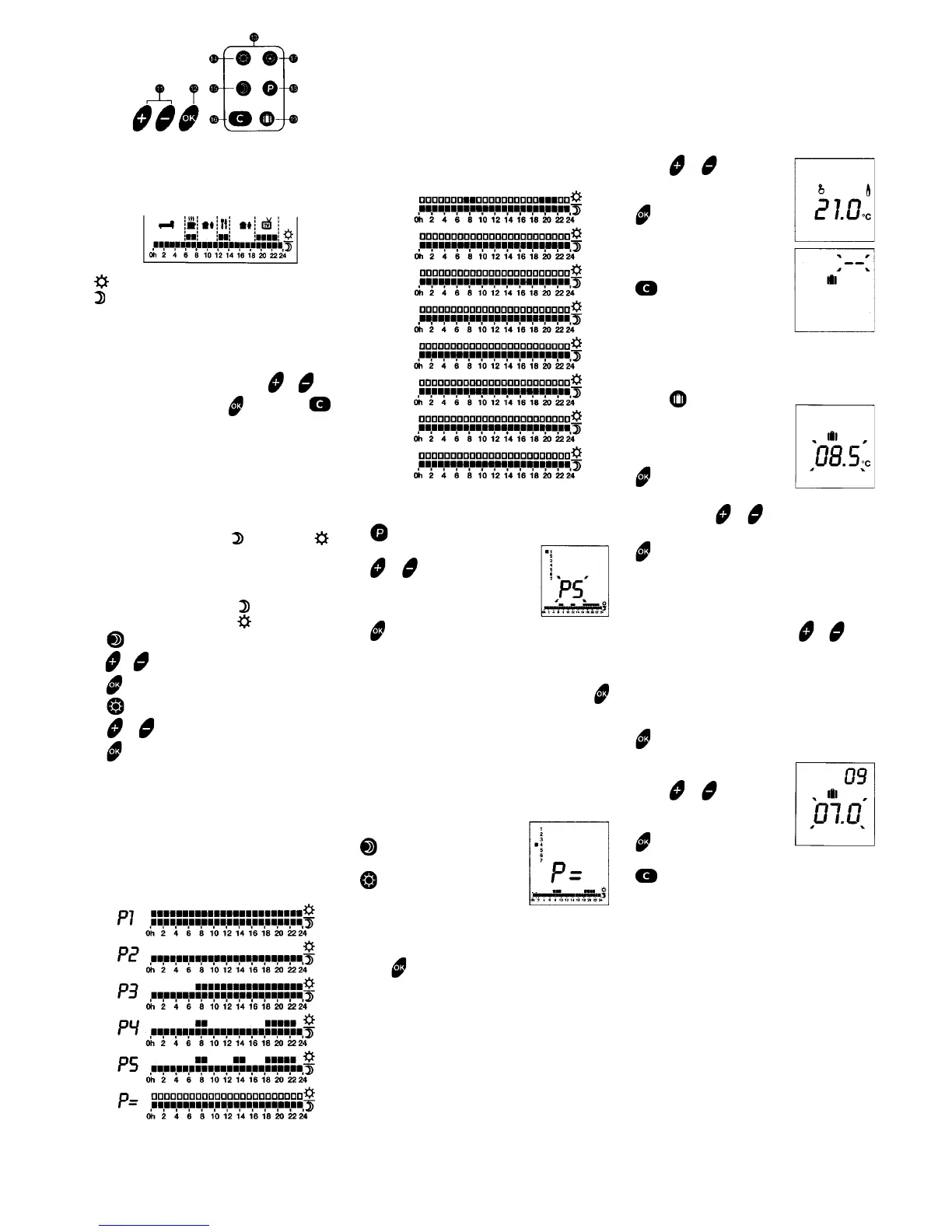
6.1 Selecting the weekly programme
DAY 1 2 3 456 7
Example P4 P4 P = P4 P4 P3 P3
User’s choice
Help can be obtained from the following grid before
choosing a specific programme P = in the apparatus.
Example: 3rd day
7. SUSPENSION OF THE
AUTOMATIC PROGRAMME
7.1 Override
Permits adopting a chosen temperature (from 5°C
to 30°C) until the next programmed change of
temperature and therefore without modification
of the programmed temperature (priority function).
1. Press or to choose
the temperature (e.g. 21°C)
2. Temperature of 21°C
programmed until the next
programmed change
of temperature.
To cancel this mode.
7.2 Long-term absence
In case of a prolonged absence,
a temperature (from 5°C to 30°C)
can be set for an indeterminate
or determined number of days (from 1 to 99).
1. Press
2. There are two possibilities
* Indeterminate duration
The temperature on the
screen flashes.
Adjust with the or keys (e.g. 8.5°C)
The temperature on the screen remains
fixed and has been set for an indeterminate
period.
* Fixed duration
Set the number of days with the or keys.
Example: Leaving on 10 th January, returning
on 19 th January - 09 daysshould be entered.
Programmed automatic operation will restart
on 19 th January at 0h 00'.
The temperature on the
screen flashes.
3. Press or to set the
temperature (e.g. 7°C)
4. The countdown begins.
To cancel this mode (e.g. on returning
home before the date).
= 19°C (Comfort)
= 15°C (Night Setback)
A sliding door gives access to the programming keys.
The method used is simple and always the same:
- Select the function by pressing the corresponding
key.
- Seleci the desired value with the or keys.
- Validate the choice with or exit with.
Automatic control of the central heating system by
the apparatus can be suspended at any moment,
for example to set a specific temperature for a
given time (para. 8).
5. TEMPERATURE CONTROL
Night Setback (Economy) and Comfort
temperatures can be set between 5°C and 30°C.
These temperatures can be changed at any time.
* Putting hto operation
Night Setback temperature = 15°C
and Comfort = 19°C.
1.
2. or for setting the Night Setback temperature
3.
4.
5. or for setting the Comfort temperature
6.
6. WEEKLY PROGRAMME
Weekly programming consists of assigning a
weekly programme (1 from 6) to each day of the
week. Programmes P1 to P5 cannot be altered.
lt is possible to choose a personal daily programme
for each day (P=).
The factory setting assign programme 3 to each
day by default.
6.2 Storing or Alteting the programmes
1. Consult day 1 (e.g. Monday)
2. or Choice of
programme to be assigned
to this day (e.g. P5)
3. Following day
Repeat operations 2 and 3
for each day.
4. After assigning a programme to day 7, press
Selection of the programme for day 7 is validated.
Return to normal screen.
* lf the programme chosen is P = (e.g. for Thursday)
Choose the programme yourself, entering the
desired temperature for each unit of 1 hour.
* The first hour unit flashes.
To obtain an hour of
Economy (Night Setback), or
For an hour of Comfort.
The next hour unit flashes:
repeat the operation
for each hour unit.
Press for the first day and go on to the next day.
1 Personal programme P = for each day.
Day 3
Day 1
Day 2
Day 4
Day 6
Day 5
Day 3
Day 7


 To Next Page