WWW.ROCCAT.ORG / SUPPORT
8
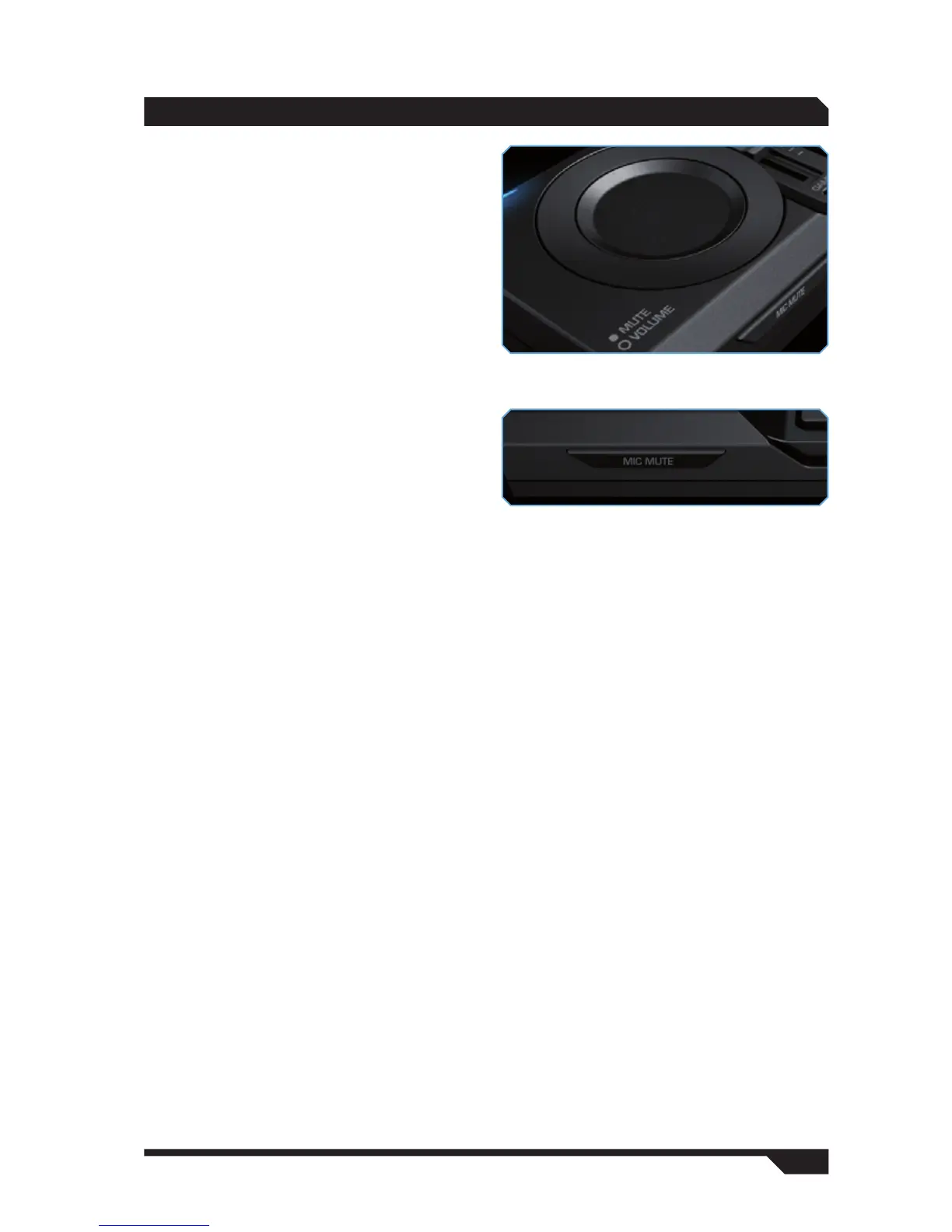
Volume
You can raise the overall volume level using the
volume dial. To do that, rotate the outer ring in a
clockwise direction.
Mute
You can also mute the sound. To do that, press
the circular area within the volume dial.
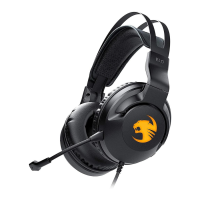
Mic Mute
The headset’s microphone can also be muted.
To do that, press the ‘Mic Mute’ button located
below the volume control. A blue LED directly on
the microphone will light up indicating that the
microphone has been muted. This setting has no
effect on the soundcard’s microphone input.
OPERATION



 To Next Page