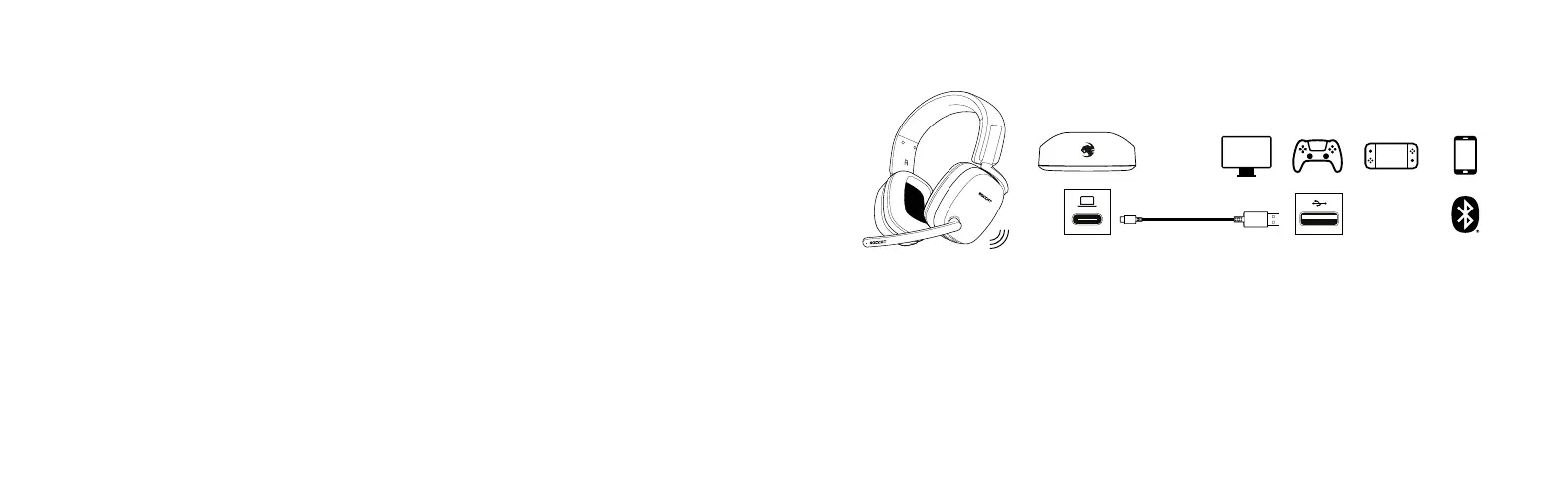
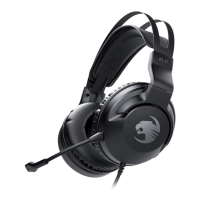
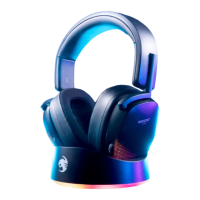
Los auriculares Syn™ Max Air también funcionan muy bien con otras platafor-
mas que tienen puertos USB-C, como PS5™, Nintendo Switch™ y Android.
1. Conecte el transmisor a una ranura USB-A en su dispositivo.
2. Mantén presionado el botón de encendido de los auriculares durante
2 segundos para encenderlos.
3. En la configuración de tu dispositivo, asegúrate de que la opción
Syn™ Max Air esté seleccionada para tu dispositivo.
Al conectar el transmisor con una consola PS5™ o PS4™, el volumen
principal se debe ajustar en el menú de configuración.
*Las capacidades de software únicamente están disponibles en equipos PC.
The Syn™ Max Air also works great with other platforms with USB-C ports,
including the PS5™ and Nintendo Switch™.
1. Plug the Transmitter into a USB-A slot in your device
2. Hold the Power Button on the headset for 2 seconds to turn it on
3. In your device’s settings, make sure the Syn™ Max Air is selected
on your device
When connecting the transmitter to a PS5™ or PS4™, master volume
must be adjusted from the Settings Menu.
*Software capabilities are only available on PC.
CONFIGURACIÓN DE USB-C | USB-C SETUP


 To Next Page