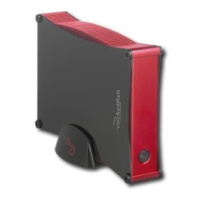
USB 3.0 3.5" SATA Hard Disk Drive Enclosure
2
Contents
Introduction ............................................................................................................3
Safety information ................................................................................................3
Important safety instructions .................................................................3
Features.....................................................................................................................3
Package contents ........................................................................................3
System requirements.................................................................................3
Setting up your hard drive enclosure ............................................................4
Installing your hard drive in the enclosure ........................................4
Connecting the enclosure to your computer....................................5
Installing the software...............................................................................8
Using your enclosure ...........................................................................................9
Backing up your files............................................................................................9
Starting Roxio Back On Track ..................................................................9
Selecting files to back up....................................................................... 10
Creating a new Backup Files project ................................................. 11
Using the Backup Files scheduler....................................................... 12
Backup Files options................................................................................ 13
Restoring files ............................................................................................ 14
Disconnecting the enclosure from your computer ............................... 14
Uninstalling the backup software ...................................................... 14
Troubleshooting ................................................................................................. 15
Specifications....................................................................................................... 15
Legal notices ........................................................................................................ 15
One-year limited warranty.............................................................................. 17
10-1087_RF-HD3035_MAN_ENG_V1.fm Page 2 Friday, October 29, 2010 1:25 PM



 To Next Page