7RF-MRBTAD
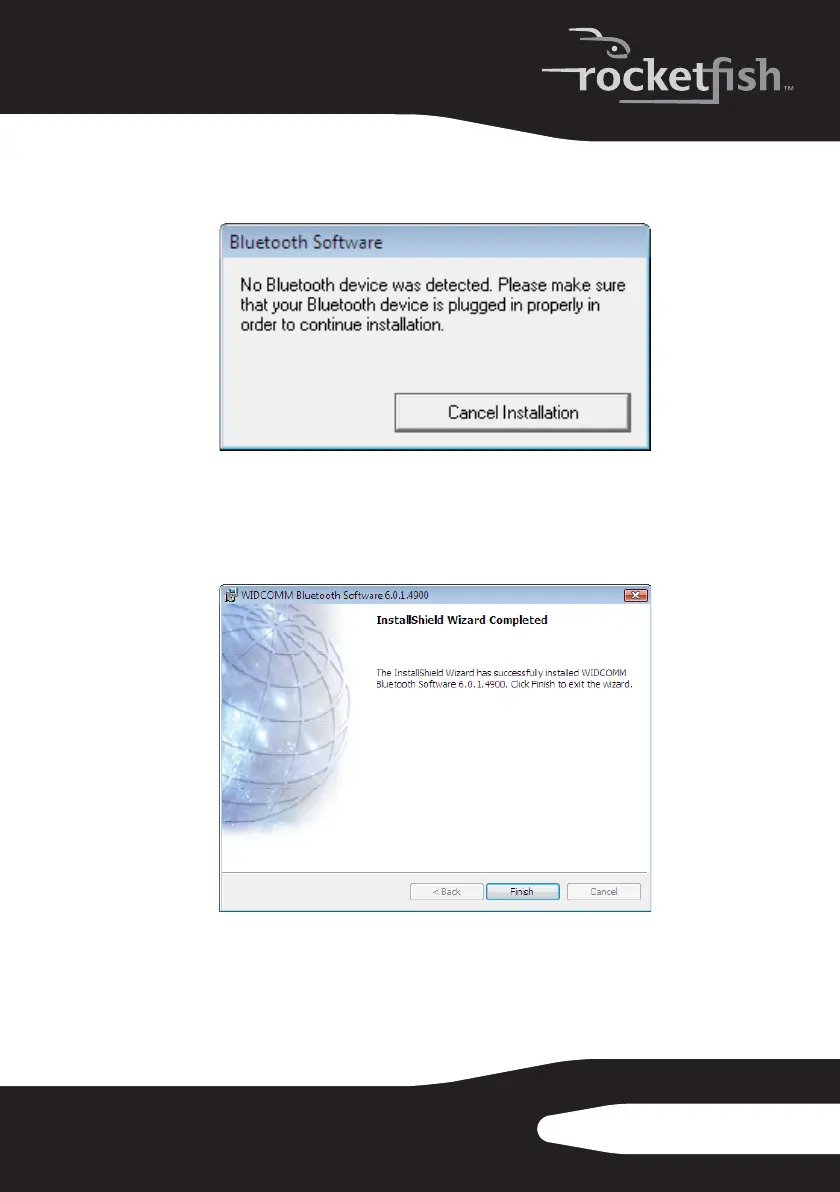
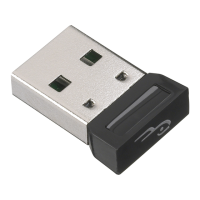
Note: If you have not plugged the Bluetooth adapter into a USB port on the computer,
the Bluetooth device not Found message opens.
Plug the Bluetooth adapter into a USB port on the computer, then click OK.
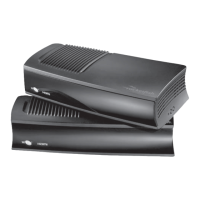
6 Click Install. The Found New Hardware Wizard starts installing the
Bluetooth software. When the installation is complete, the InstallShield
Wizard Completed screen opens.


 To Next Page