EasyManua.ls Logo

Rockville RockOn-7 - User Manual

Rockville RockOn-7
14 pages
Print Icon
To Next Page IconTo Next Page
Loading...
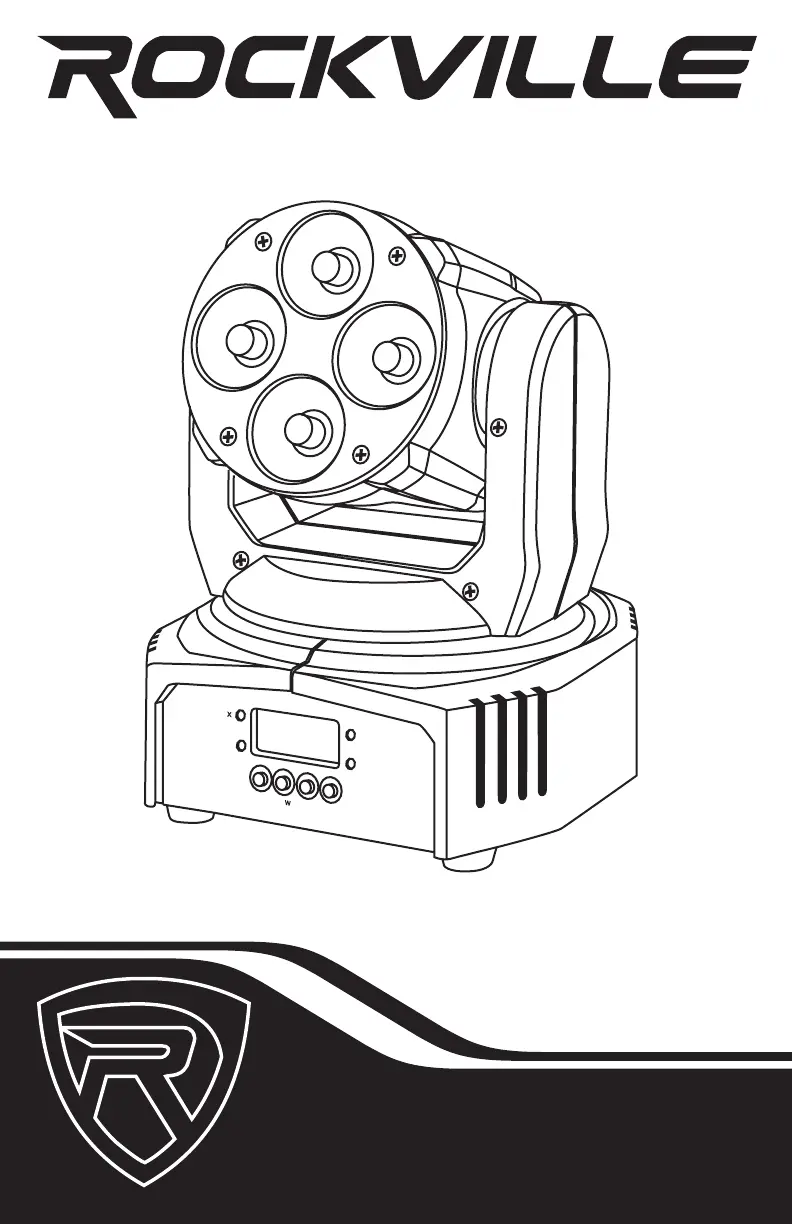
OWNER’S MANUAL
MINI 4x10W RGBW LED MOVING HEAD LIGHT
RockOn-7
M
E
N
U
E
N
T
E
R
C
O
N
T
R
O
L
PA
N
E
L
S
O
U
N
D
S
L
AV
E
M
D
M
AV
S
T
E
R
N
D
O
U
PA

Questions and Answers

  • J
    Jason BarnesJul 28, 2025
    What to do if my Rockville DJ Equipment has no power?
    • D
      Dustin KeyJul 28, 2025
      If your Rockville DJ Equipment isn't powering on, first ensure the unit is correctly plugged into a functioning power outlet. Also, inspect the power cord for any signs of damage.
  • G
    Gregory RodriguezAug 7, 2025
    Why am I experiencing intermittent DMX problems with my Rockville RockOn-7?
    • J
      Jennifer OdomAug 7, 2025
      Intermittent DMX issues with your Rockville DJ Equipment can stem from several factors. First, ensure you're using DMX-compatible cables. Keep DMX cables separate from AC wires or radio equipment. Try installing a terminator. For long DMX cable runs or numerous connected units, consider using an optically coupled DMX amplifier.
  • C
    christopherolsonAug 16, 2025
    How to fix no fixture DMX response on my Rockville DJ Equipment?
    • N
      Nichole SchneiderAug 16, 2025
      If your Rockville DJ Equipment isn't responding to DMX, verify the starting address on the fixture is correct. Confirm you're using the appropriate faders on the controller and the correct fixture template, assigning controller faders accordingly. Try changing the signal polarity at the controller. Also, check your DMX cables for improper connections or damage.

Summary

Important Safety Instructions

Front Panel Functions

Front Panel Controls

Buttons for menu navigation, selection, and mode control on the front panel.

Front Panel Indicators

LEDs showing DMX, Master, Slave, and Sound mode status on the front panel.

Front Panel Components

Yoke for movement and LCD for status display on the front panel.

Rear Panel and Remote Control

Rear Panel Connections

DMX In/Out, Fuse, and IEC AC power connections on the rear panel.

Remote Control Operations

Explanation of each button's function on the remote control for operating the fixture.

Multi Fixture Use with Remote

Master;Slave Setup with Remote

Instructions for using the remote control with multiple fixtures in Master/Slave configuration.

Operation and Display Menu

Menu Navigation and Settings

How to use MENU, UP, DOWN, ENTER buttons to configure unit settings.

Menu Operation Flowchart

Visual guide to navigating operational modes and settings via the menu.

DMX Control

DMX Synchronization

Steps to synchronize fixtures using DMX for unified operation.

14 Channel DMX Mode

DMX channel assignments and functions in 14-channel mode.

Installation Guide

Mounting the Fixture

Step-by-step guide for safely hanging the fixture on a truss.

Features and Specifications

Product Features

Overview of the moving head light's capabilities and included accessories.

Technical Specifications

Detailed technical data including power, light source, DMX, and dimensions.

Troubleshooting

Common Problems and Solutions

Guidance for resolving issues like no power, DMX response, or intermittent DMX.

Rockville RockOn-7 Specifications

General IconGeneral
BrandRockville
ModelRockOn-7
CategoryDJ Equipment
LanguageEnglish

Related product manuals