Contents
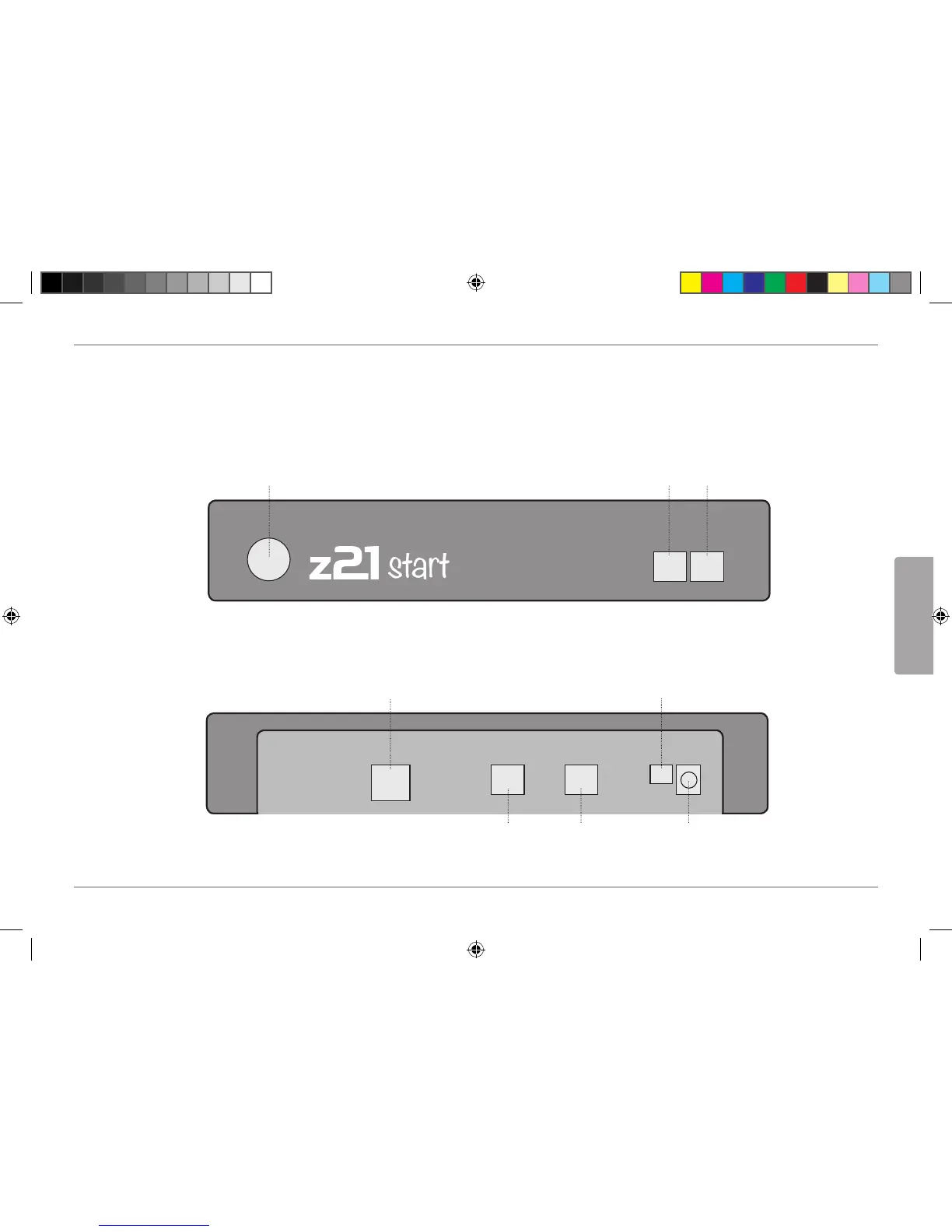
Z21start-digital centre Connections .................................................................................................... 35
1. Unpack, Connect and Go ................................................................................................................ 36
1.1 How to Connect Your
z
21
Digital System ..................................................................................... 36
2.
z
21
start-digital centre: State-of-the-Art Model Railway Control .................................................... 38
2.1 Connection of Additional Control Devices ................................................................................... 39
2.2 Compatibility with Roco and Fleischmann Components ............................................................ 39
2.3 Power Supply for the
z
21
start-digital centre ............................................................................... 40
2.4 Operation of Digital Locomotives .............................................................................................. 40
2.5 Upgrading of Analogue Locomotives .......................................................................................... 41
2.6 Resetting the
z
21
start digital centre ............................................................................................ 41
2.7 Update of
z
21
start digital centre .................................................................................................. 41
2.8 Connection of a programming and read-out track ....................................................................... 42
2.9 Connection of the feedback module on the main track .............................................................. 43
3. Driving with a Booster ................................................................................................................... 44
4. Loops in Digital Operation ........................................................................................................... 46
5. How to Start Your WLAN Router ................................................................................................... 48
6. How to Install the Z21 Mobile App ............................................................................................... 49
7. Z21 Mobile App: First Steps ........................................................................................................... 50
7.1 Controls .......................................................................................................................................... 51
7.2 Settings ......................................................................................................................................... 52
7.3 Locomotive Library ....................................................................................................................... 53
7.4 Programming Loco Settings ........................................................................................................ 54
7.5 Access to Loco Functions ............................................................................................................. 55
7.6 Assignment of Digital Functions ................................................................................................. 56
7.7 Setting and Handling of Magnetic Items .................................................................................... 57
8. View from the Driver Stand ............................................................................................................ 58


 To Next Page