Need help?
Do you have a question about the RODE Microphones AI-1 and is the answer not in the manual?
Details the necessary operating systems and software versions for the device.
Steps to configure the AI-1 as the default audio device in macOS.
Steps to configure the AI-1 as the default audio device in Windows.
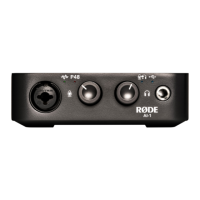
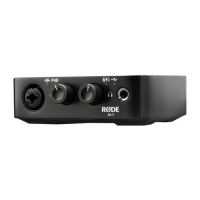
Details the connectors and controls on the front panel of the AI-1.
Details the connectors on the rear panel of the AI-1.
 General
| Type | Audio Interface |
|---|---|
| Channels | 2 |
| Preamps | 1 |
| Outputs | 2 x 1/4" TRS |
| Headphones | 1 x 1/4" TRS |
| Headphone Jack | 1/4" |
| A/D Resolution | 24-bit |
| Phantom Power | Yes |
| Computer Connectivity | USB |
| Inputs | 1 x XLR-1/4" Combo |
| Monitoring | Direct monitoring |
| USB | USB-C |
| OS Compatibility | macOS, Windows |
| Power Supply | USB powered |

 To Next Page