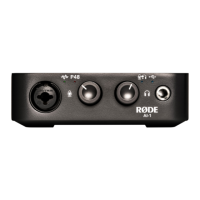
User guide for RødeCaster Pro
Recorder
Turn on the Rødecaster by pressing the red
button on the back (right side) of the
Rødecaster. Hold the button for 1 second,
release, and the Rødecasterwill power on.
Use your headphones to check that you
have sound when speaking into the
microphone. You can control the volume
level in the headphones by using the
volume knobs (1-4) on the right side of the
display screen.
Set the slider for each microphone channel
and the Master channel to a comfortable
listening volume. Check that the mute
button is deactivated if you do not hear
sound.
Press REC to start and stop recording.
Quick Start
Guide
Setting up
Microphone
Channels
RødeCaster Pro
User Guide

 Need help?
 General

 To Next Page