9
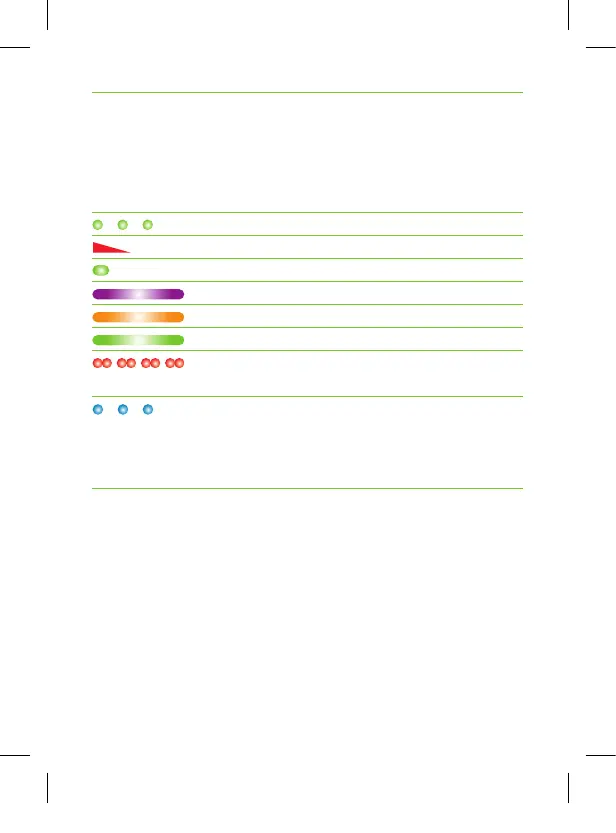
2.4 Indicator lights (LED status)
Indicator light
Meaning
Switched on
Switching off
Audio input detected
Microphone / audio input muted
Charging
Fully charged
Low battery – charge your
Roger Clip-On Mic
Your Roger Clip-On Mic lost the
connection to the other microphones.
Press the connect button to re-initialize
the network.
User_Guide_Roger_Clip-On_Mic_92x125_GB_V6.00_029-0277-02.indd 9 09.05.17 14:49



 To Next Page