9National Rejectors, Inc. GmbH, Buxtehude
– Activation of automatic tube counter programming
during filling to this float level/tube
– Deactivation of automatic tube counter correction
according to the filling level sensors
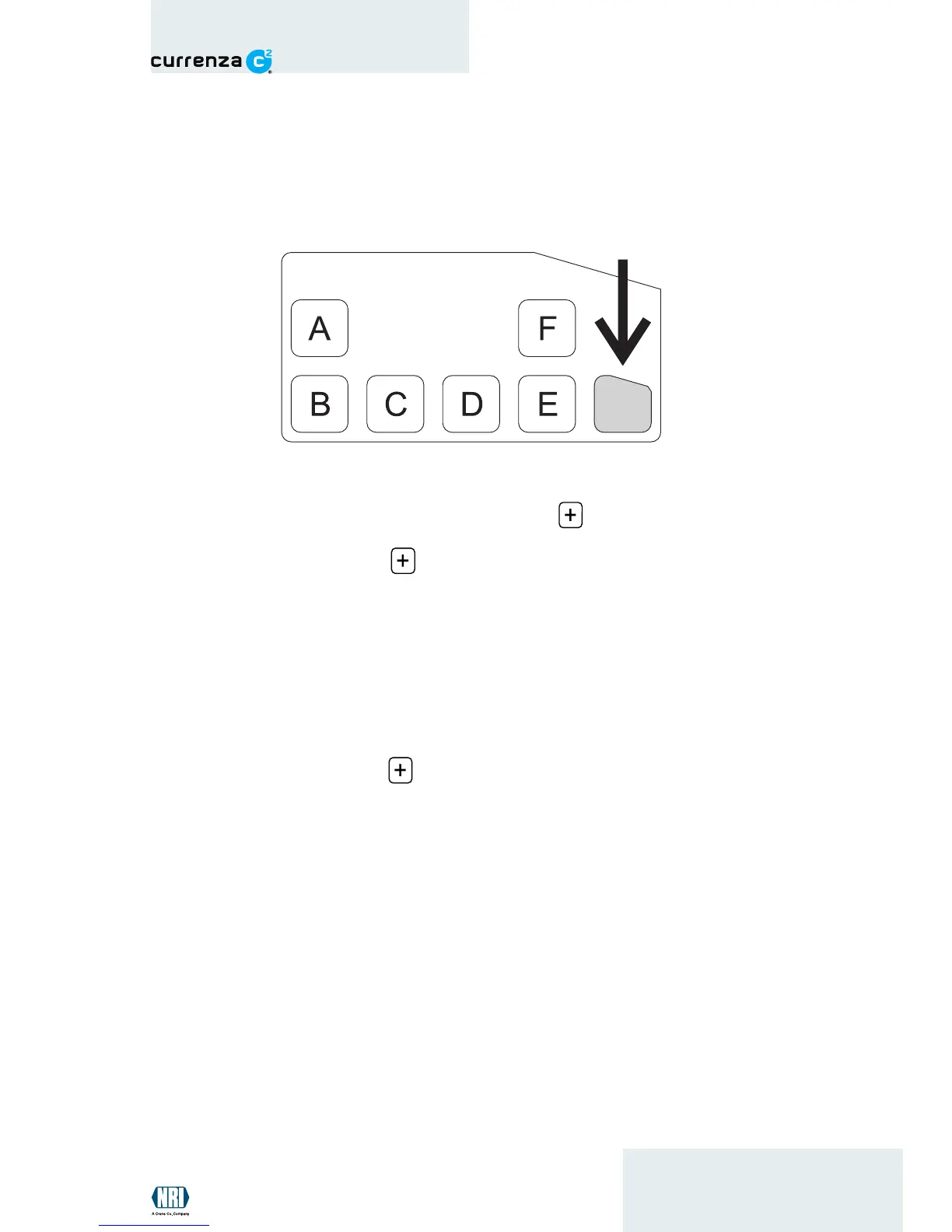
Fig. 6: MENU key (
Blue
version) / -key (
Green
version)
1 Press the MENU key ( -key). The coin changer is no longer in
operating mode.
Blue
version: the main menu is displayed. Activate the filling mode by
pressing the key F.
Green
version: the green LED flashes. Filling mode is activated.
2 Remove empty tube cassette and insert prefilled cassette.The tube
counters are set to the coin numbers of the float levels.
3 Press the MENU key ( -key).
Blue
version: return to the main menu. After the MENU key has been
pressed again, the coin changer changes to operating mode.
Green
version: the green LED lights. The coin changer is in
operating mode.


 To Next Page