LED Indication:
Power ON/OFF System activate/ standby.
FLASH Panel button or IR remote control disabled by remote PC.
AUTO SCAN ON/OFF Auto scan function activated/disabled.
AUTO JUMP ON/OFF Auto jump function activated/disabled.
1, 2, 3, 4 ON Currently selected input signal channel.
FLASH No signal input.
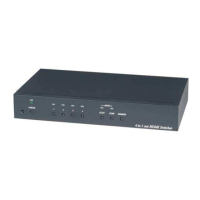
Panel Button Function:
Power: System activate/ standby.
AUTO SCAN: Auto scan function activated/disabled.
AUTO JUMP: Auto jump function activated/disabled.
DIMMER: LED brightness adjustment.
1, 2, 3, 4: Currently select input signal channel and disable auto scan function.
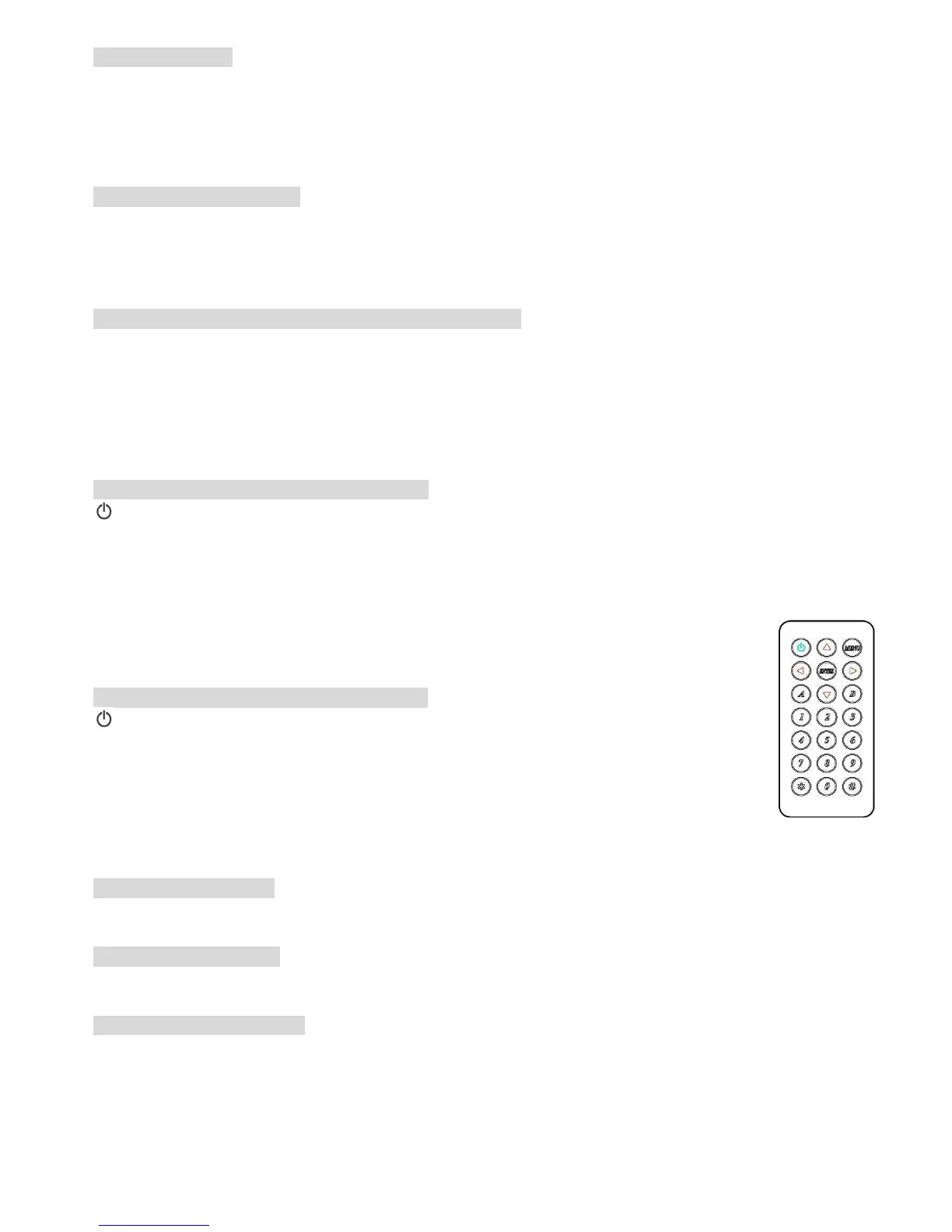
Remote Control Operating A,B Mode Switching:
There are two remote control operating modes: When this device power on, you could
switch A,B mode by pressing the panel “power” button and remote control “ *” button
together.
Mode A operating mode: It come with auto scan & auto jump functions.
Mode B operating mode: When auto scan & auto jump functions no need to use, which only
need single button for quick operation on AV switch.
Factory default is set to (Mode A).
IR remote control Mode A Operating:
Power symbol System activate/standby.
▲
▲▲
▲
Select next available input and activates auto scan function.
▼
▼▼
▼
Select previous available input and activates auto scan function.
◀
◀◀
◀ Select previous input and disable auto scan function.
▶
▶▶
▶ Select next input and disable auto scan function.
1、
、、
、2、
、、
、3、
、、
、4 (5,
,,
,6,
,,
,7)
Currently select input and disable auto scan function.
0 Auto jump function activated/disabled.
# LED brightness adjustment.
MENU、
、、
、ENTER、*、
、*、、*、
、*、(5,
,,
,6,
,,
,7)、
、、
、8、
、、
、9 Reserved (no function) .
IR remote control Mode B Operating:
Power symbol System activate/standby.
▲
▲▲
▲ Select next input and system activate.
▼
▼▼
▼ Select previous input and system activate.
◀
◀◀
◀ Select previous input and system activate.
▶
▶▶
▶ Select next input and system activate.
1、
、、
、2、
、、
、3、
、、
、4 (5,
,,
,6,
,,
,7)
Currently select input and system activate.
# LED brightness adjustment.
MENU、
、、
、ENTER、*、
、*、、*、
、*、(5,
,,
,6,
,,
,7)、
、、
、8、
、、
、9、
、、
、0 Reserved (no function).
Auto Scan Function:
Under auto scan operation, if the selected input video signal disappears over 0.5 second, it
would automatically select the previous or next input with video signal.
Auto Jump Function:
Under auto jump operation, if there is a new video signal input, it will automatically switch
to a new video signal input.
LED brightness setting:
LED brightness could be set up as the following 4 levels:
1 Minimum Brightness
2 Normal Brightness
3 Maximum Brightness
4 Brightness auto change


 To Next Page
 Loading...