Battery Installation
Chassis Controller
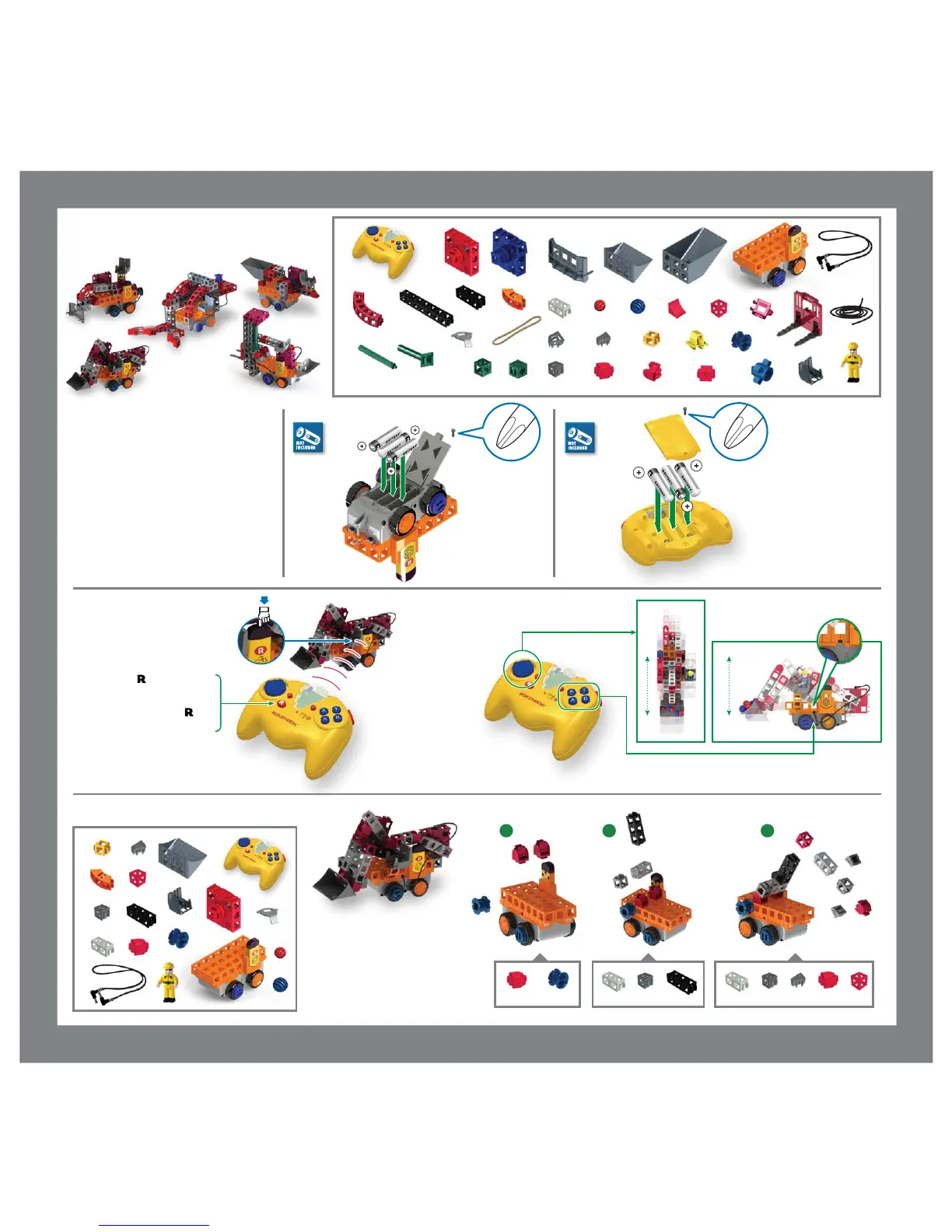
Select Your Machine
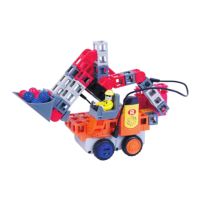
Front Loader
1x
1x
1x1x1x1x
1x
2x
1x
1x
1x
44x
2x
10x10x
1x3x
1x
1x6x
1x1x
4x
3x
2x
4x
2x2x
9x
6x
6x
2x
2x
8x
15x
7x
1x
1x
Color of building pieces may differ from those shown.
• Rokenbok recommends premium alkaline
batteries for use in your Rokenbok
machines.
• Batteries are to be inserted with correct
polarity as shown.
• Do not mix old and new batteries.
• Do not mix alkaline, standard (carbon-zinc)
or nickel cadmium batteries.
Press the on/off push button on your
Rokenbok machine. The red led lights will
come on and an ascending tone will be
heard.
Press and hold the select button on the
ROK Star Controller and aim the controller at
the machines receiver as shown. When a
ringing chime is heard release the button
and the machine is in your control.
For optimal control, continue to aim the
controller at the receiver on the Rokenbok
machine.
Operation
3x-AA
3x-AA
1x
10x
10x
1x
1x
1x
2x 1x 1x 1x 1x 1x 1x2x1x 1x
1x
1x
1x
2x
8x
6x
13x
3x
1x
1x
2x
1x
4x
1 2 3
MAKER ROK ROBOTICS
Controls the Foward/Reverse
Controls Motor Ports


 To Next Page