Confidential & Proprietary|© ROKIT Healthcare Inc. 2019. All Rights Reserved
Dr. INVIVO 4D User Guide
Remove / Clean Biofilament after Use
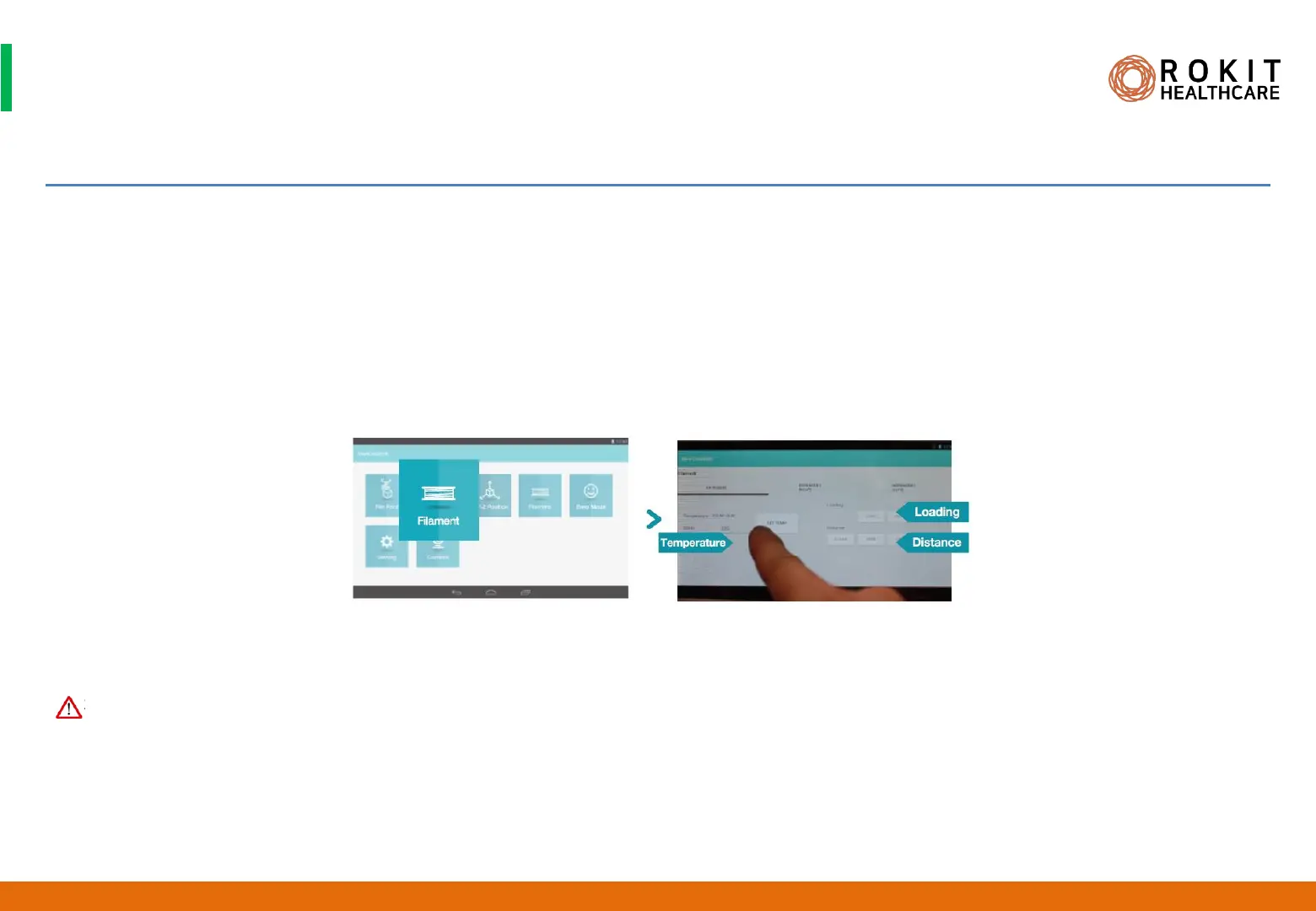
1. Select [New Creator K APP]> [Filament]> [EXTRUDER 1] on Dr. INVIVO display.
2. In the [Temperature] panel, increase the temperature setting of the nozzle sufficiently and preheat so that the cooled down filament can
be melt and printed out.
3. After warming up, touch the [UNLOAD] button to remove the filament from the nozzle.
4. While holding down the black one-touch button at the top of the nozzle, remove the inserted tube.
41
1. After use, remove the filament with the bobbin and seal it.
INV-CHS-20191210
CAUTION


 To Next Page