59
Use other apps
When you hold your phone to your ear, the screen goes dark to avoid accidental touches. To wake it up,
move it away from your ear or press the Power button.
• To hide the call and use other apps, touch
.
• To return to the call, swipe the status bar down and touch On-going call.
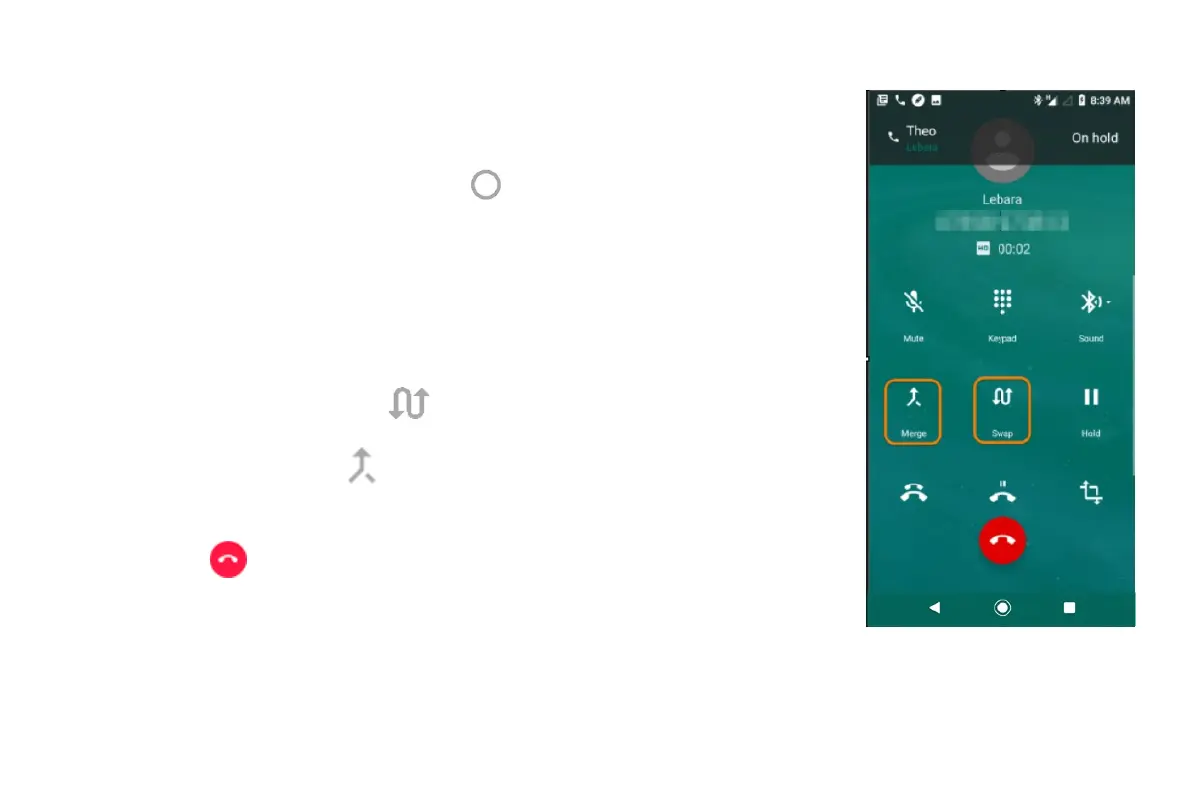
Answer call waiting
If call waiting is active and a new call comes in, you can answer it. Touch Hold and answer as voice. The
first call is put on hold.
• To switch between calls, touch
.
• To merge the calls, touch
.
End the call
• Touch on the call screen.
• Or, swipe down from the top of any other screen to view the call notification, and touch Hang
up.


 To Next Page
 Loading...