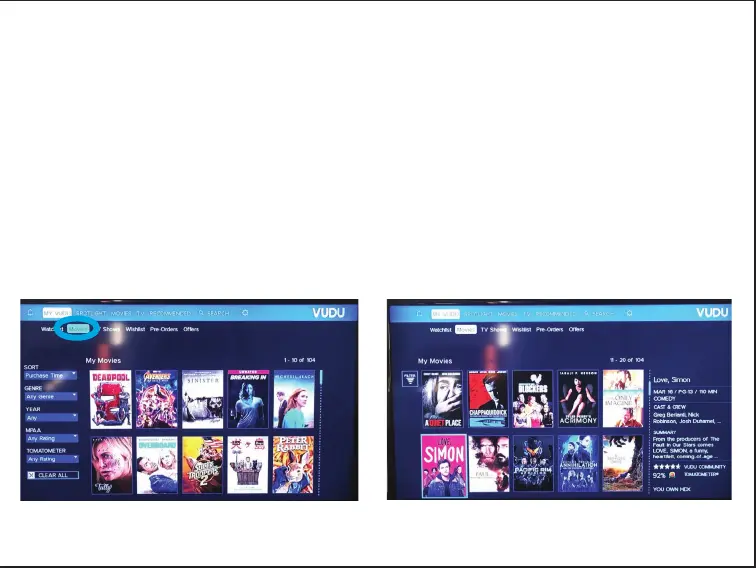
Step 4
•
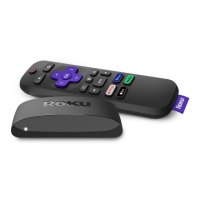
Using the arrow keys on the Roku remote control device,
select “Movies”.
• Scroll through over 100 free movies and make your selection.
• There are other features on the Roku that require either a
paid subscription, or a fee. You may use these, however
the library is not responsible for these charges.



 To Next Page