4
STEP 4:
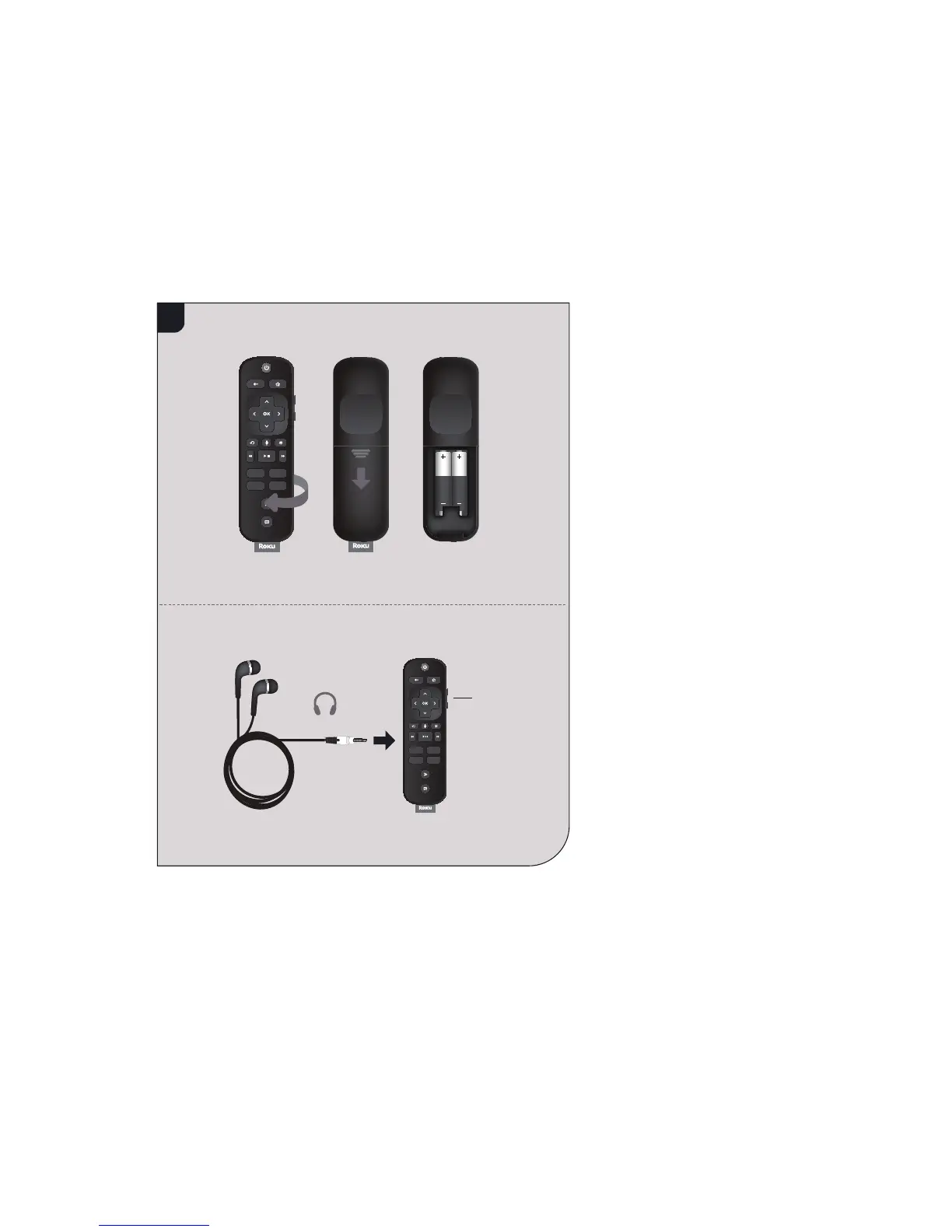
Insert batteries
On the back side of the
remote, slide open the battery
cover. Insert included batteries
placing the negative (-) ends
in fi rst.
Your remote should pair
with your streaming player
automatically. For help
pairing your remote, visit
go.roku.com/remotehelp
NOTE: To enable the
private listening feature
of your streaming player,
plug the headphones into
your Roku remote. Your
TV will be muted when
headphones are plugged in.
Volume
controls



 To Next Page