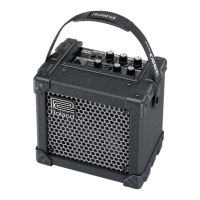
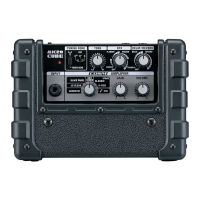
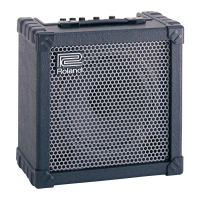
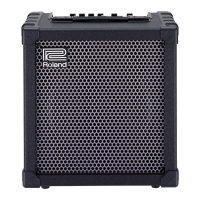
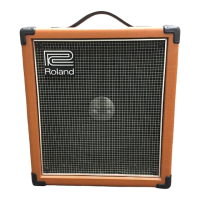
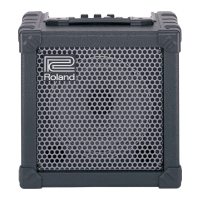
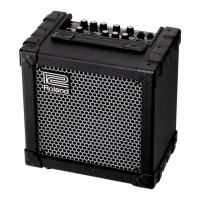
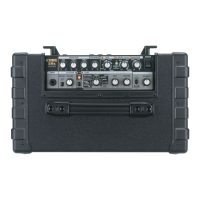
Roland Micro CUBE GX Training Guide
2. QUICK DEMO
The Quick Demo is a way to get a customer interested in a product in less than
60 seconds.
Before You Start
1. Connect a decent guitar to the input of the amp.
2. Set the tone control to 12:00 (straight up).
3. Press the TUNER Button.
4. Tune the guitar.
5. If you have access to an iOS device (iPhone, iPad, etc.), download the
free CUBE JAM app from the App store. Take a few minutes to get
familiar with it.
6. Connect the iOS device to the iCUBE Link with the included cable.


 To Next Page
 Loading...